%20(1).png)
Guides
Best Metered Billing Software: 9 Tools Ranked (2026)
I tested 9 metered billing software platforms for metering accuracy, pricing, and real-time enforcement, with honest pros, cons, and prices for 2026.

Explore the best entitlement management software for 2026, with five platforms compared by real-time enforcement, pricing model support, and scale needs.

Feature flags hold until subscription state drifts. By the second pricing tier, enforcement is scattered across services, and pricing changes land in the sprint backlog.
Entitlement management software centralizes this by resolving access decisions before actions are executed and covering what billing leaves to the product team.
Here are the five platforms worth evaluating and what stood out:
For each platform, we looked at what it handles well, where it falls short in production, and who it is actually built for.
Disclaimer: Prices are subject to change. Always verify current pricing on each vendor's official website before making a purchasing decision.
I evaluated each entitlement management platform against the issues engineering teams hit once access logic moves beyond simple feature flags.

What it does: Stigg helps AI products control access before usage happens. It checks entitlements, credits, limits, and spend rules in the request path, so users cannot burn compute they are not allowed to use.
Best for: AI teams charging by token, credit, or inference call, and SaaS teams with complex account structures that billing tools or feature flags cannot handle cleanly.
Stigg is the usage runtime for AI products. It checks entitlements, credits, usage limits, and spend rules while a request is still in progress, so access decisions happen before compute runs and before costs are created.
That puts Stigg above the billing layer. Stripe, Zuora, and Chargebee can still handle payments, invoices, and subscriptions, but Stigg controls what each customer, team, agent, or department is allowed to do inside the product.
This becomes important when every request has a real marginal cost. If a limit check happens after usage is recorded, the model has already run, the credits may already be overdrawn, and the margin loss is already baked in.
Use Stigg if you are building an AI product where credits, tokens, or usage limits need to be enforced before compute runs. That is the core fit.
The Sidecar and credit ledger are the clearest reasons to look at it. They give engineering teams more control over latency, scale, data residency, and credit accuracy than a billing tool can provide on its own.
Stigg is also modular. You can adopt the credits engine, entitlements, or metering independently without committing to the full stack. Most startups begin with a single SDK integration and expand from there.
If you are still early with one plan and basic feature gates, Stigg may be more depth than you need today.
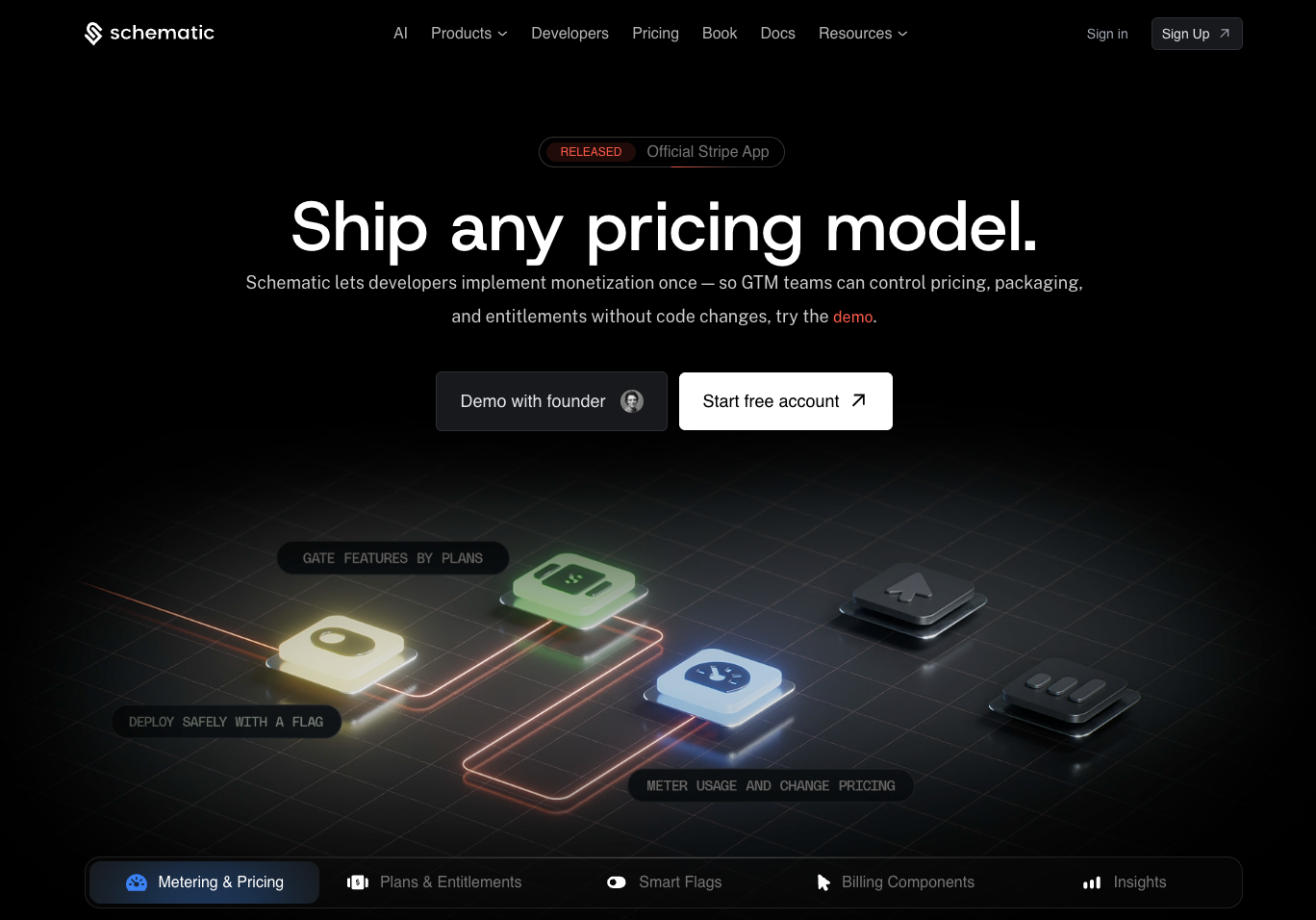
What it does: Schematic gives product and engineering teams a cleaner way to manage plan-based access, feature gates, usage limits, and commercial entitlements.
Best for: Teams that have outgrown feature flags and need cleaner control over plan access, usage limits, and commercial entitlements. AI credit enforcement and complex tenancy can come later.
If you have outgrown feature flags and hardcoded plan conditionals, Schematic is the natural next step. It gives you a centralized place to define what each plan includes, enforce access at the feature level, and update what customers can do without touching application code.
The implementation is straightforward, and the developer experience is clean.
The ceiling shows up on the AI usage governance side. If enforcement needs to run synchronously in the request path, credits need ledger-grade accuracy, or the tenancy model involves per-agent and per-department hierarchies, you will hit it sooner than expected.

Pro: “Schematic allowed us to move significantly faster in launching monetization strategies aligned to the value our enterprise clients receive. It helped us manage complex packaging and subscription tiers, including usage-based pricing, across a broad customer base.”
Con: “If I had to nitpick, earlier versions had occasional gaps for very niche enterprise scenarios, but those were quickly addressed as the product advanced.” [Kenneth K., G2 Review, July 24, 2025]
Use Schematic if feature flags are starting to feel too thin and you need a cleaner way to manage plan-based access. It is a good fit for straightforward entitlements, usage limits, and commercial access rules without building the whole layer in-house.
As AI usage governance, credit management, or low-latency enforcement become bigger requirements, compare Schematic against your 18-month roadmap before committing.
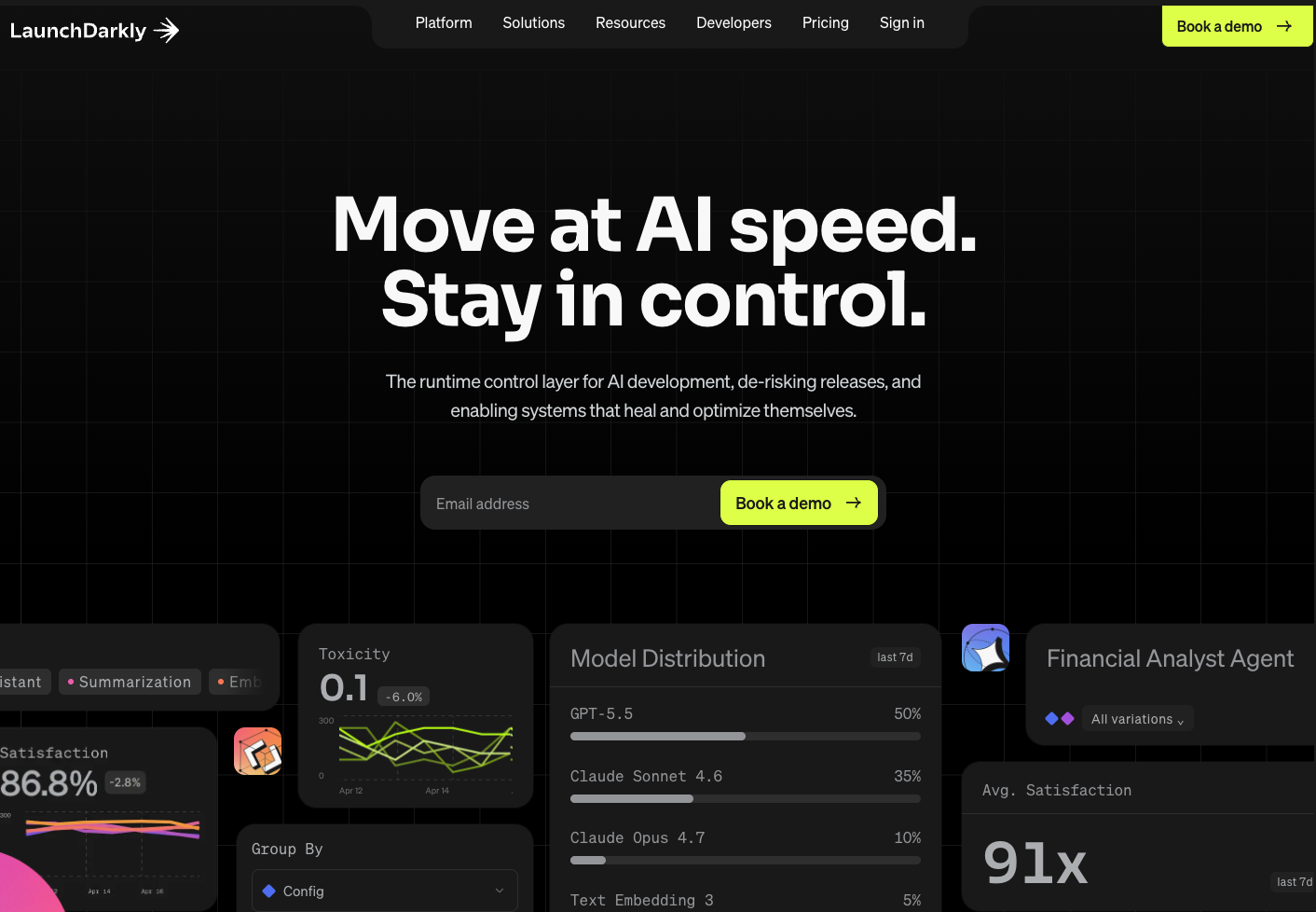
What it does: LaunchDarkly gives engineering and product teams feature flag infrastructure for controlled rollouts, experiments, and targeted feature delivery.
Best for: Teams that need a reliable way to release features gradually, test product changes, and manage access by segment. It is strongest as a feature management tool, with entitlement and usage enforcement better handled by a dedicated layer.
LaunchDarkly has moved well beyond feature flags. The current positioning is runtime control for code and agents, covering progressive rollouts, automated rollbacks, agent behavior monitoring, prompt experimentation, and self-healing systems without a redeploy.
At 50 trillion flag evaluations per day and under 200ms global config propagation, the infrastructure is genuinely enterprise-grade.
It’s on this list because engineering teams evaluating entitlement management frequently land here first.
LaunchDarkly controls how code and agents behave in production. Commercial entitlement management controls what each customer is allowed to do based on what they paid for. Teams with both requirements typically run them alongside each other.
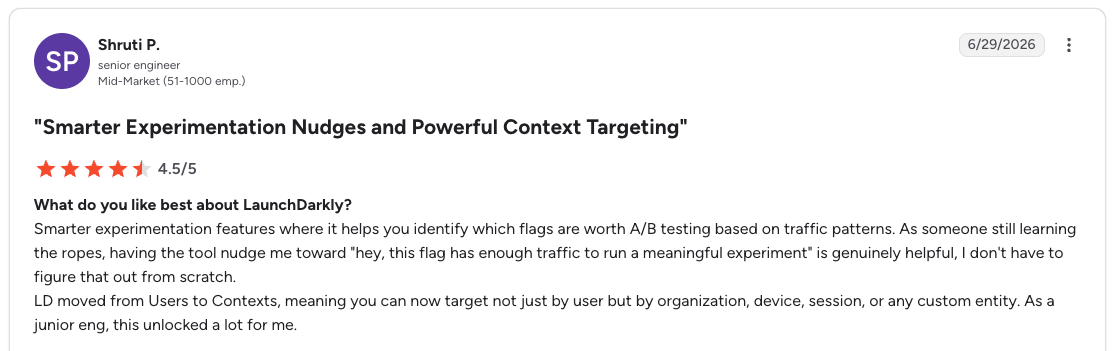
Pro: “Smarter experimentation features where it helps you identify which flags are worth A/B testing based on traffic patterns. As someone still learning the ropes, having the tool nudge me toward 'hey, this flag has enough traffic to run a meaningful experiment’ is genuinely helpful; I don't have to figure that out from scratch.” [Shruti P., G2 Review, June 29, 2026]
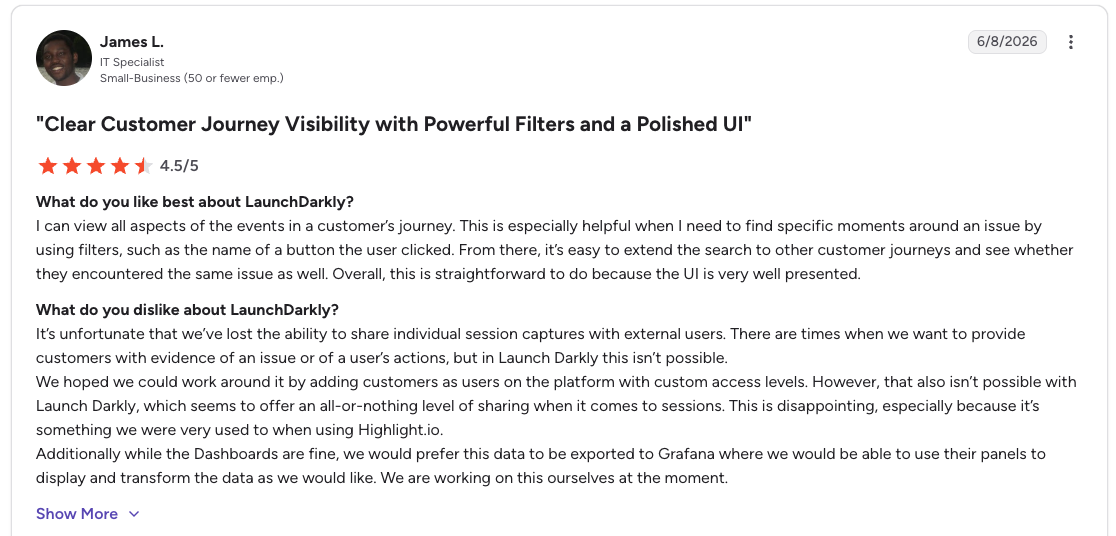
Con: “It’s unfortunate that we’ve lost the ability to share individual session captures with external users. There are times when we want to provide customers with evidence of an issue or of a user’s actions, but in Launch Darkly this isn’t possible.” [James L., G2 Review, June 8, 2026]
Use LaunchDarkly when rollout control and experimentation are the main jobs. It is excellent for feature flags, gradual releases, A/B tests, and targeted delivery across segments.
For plan-based access, usage limits, and consumption tracking, you will still want a dedicated entitlement layer. Many teams use LaunchDarkly for code-level rollout control and an entitlement platform for commercial access decisions.
What it does: Revenera helps enterprise software vendors manage licensing, compliance, and entitlements across on-premise, hybrid, and traditional ISV environments.
Best for: Established software companies with complex license models, compliance needs, and existing enterprise workflows. It fits best when license management is the core problem, especially for products sold outside a pure cloud/SaaS model.
Revenera is an entitlement management platform built for enterprise software vendors. FlexNet Operations centralizes customer use rights across on-premises, SaaS, cloud, and embedded deployments, with automated provisioning, renewal tracking, churn risk monitoring, and a Salesforce connector for quote-to-cash workflows.
The depth is especially useful for traditional software licensing and mature ISV environments. The design brief does not extend to token consumption, per-request enforcement, or credit-based usage, which is where teams building modern AI products tend to find the ceiling.

Pro: “The thing I like the most about this software is the UI/UX allows me to take a look at the view of my end customer, so that I can solve their issues better. The entitlement management and integrations hooks to our in-house stack is very useful for our sales-ops team.” [Verified User in Computer Software, G2 Review, June 5, 2026]
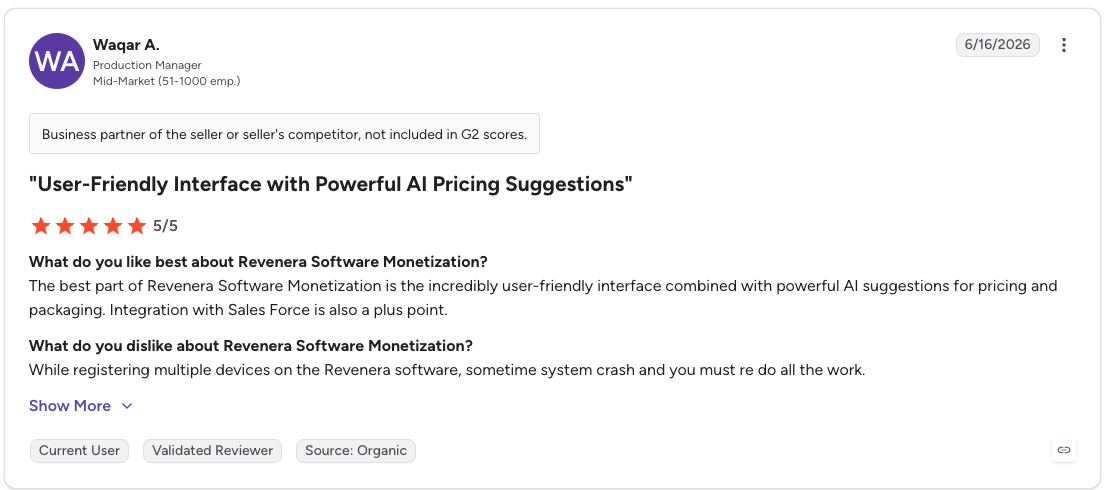
Con: “While registering multiple devices on the Revenera software, sometimes the system crashes and you must redo all the work.” [Waqar A., G2 Review, June 16, 2026]
Revenera uses custom pricing with no public rates; you need to contact sales for a quote based on your products, deployment, and licensing requirements.
Use Revenera if you are managing a traditional enterprise software business with mature licensing workflows, compliance needs, and on-premise or hybrid delivery.
For modern SaaS or AI products, the fit is different. If entitlement logic needs to run in the request path before usage happens, Revenera may feel closer to legacy license management than real-time access control.
Teams that inherited Revenera and are moving toward usage-based SaaS or AI pricing are often the ones asking what should replace it.
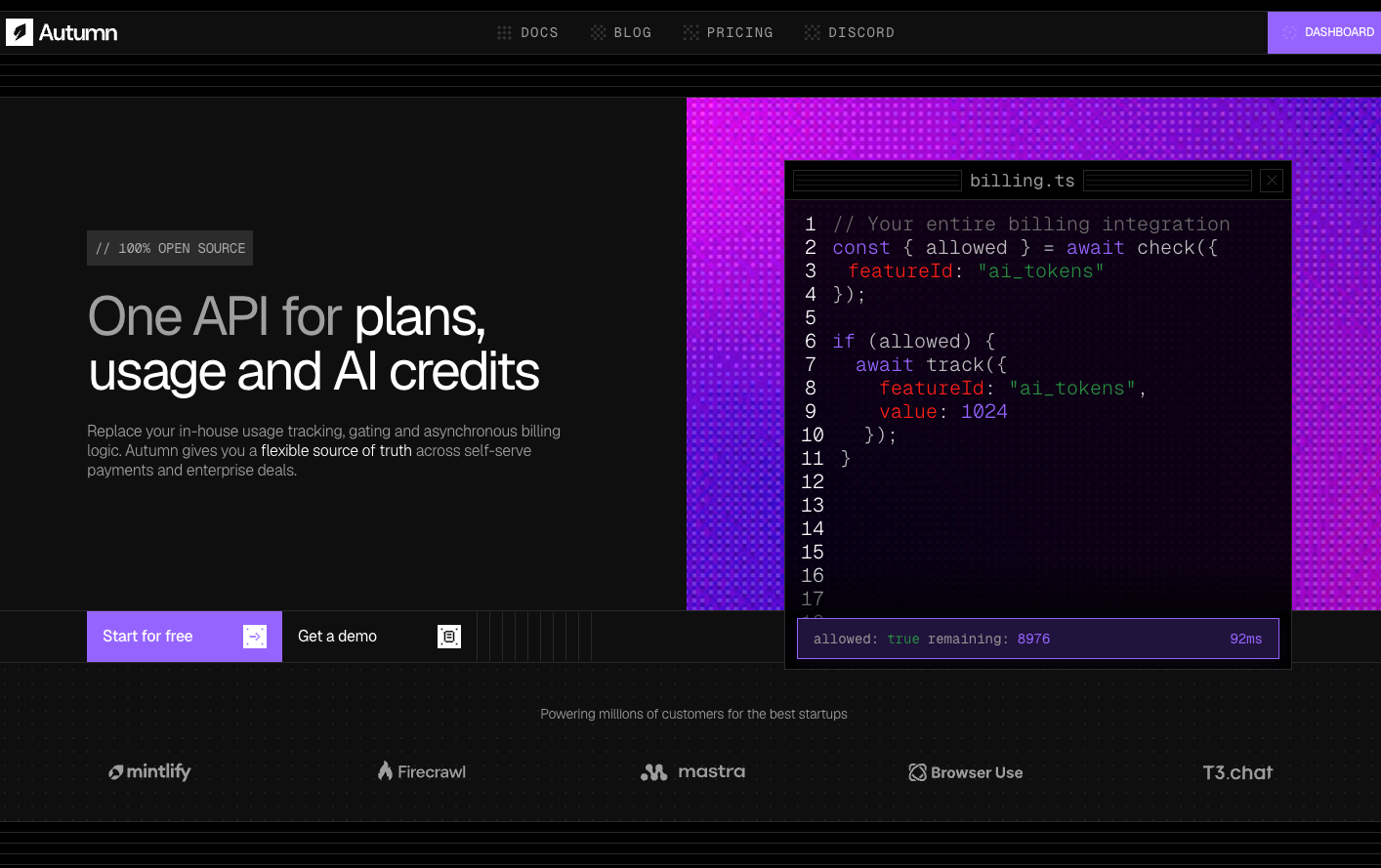
What it does: Autumn gives SaaS teams a simpler way to manage feature-based access and entitlements without a heavy EMS setup.
Best for: Teams that need to ship entitlement management quickly, especially when the use case is basic plan access, feature gating, and simple usage limits.
Autumn is the lightest implementation on this list, which is useful for teams with straightforward entitlement requirements who want to move quickly.
The tradeoff is production track record. It is a newer platform, and entitlement management sits in the critical path of every access decision the product makes, so that matters more here than it would for a peripheral tool.
If the requirements are simple and the foreseeable roadmap stays that way, the lighter option often makes more sense than paying for depth you will not use. The thing worth stress-testing before committing is what happens when your needs become more complex.
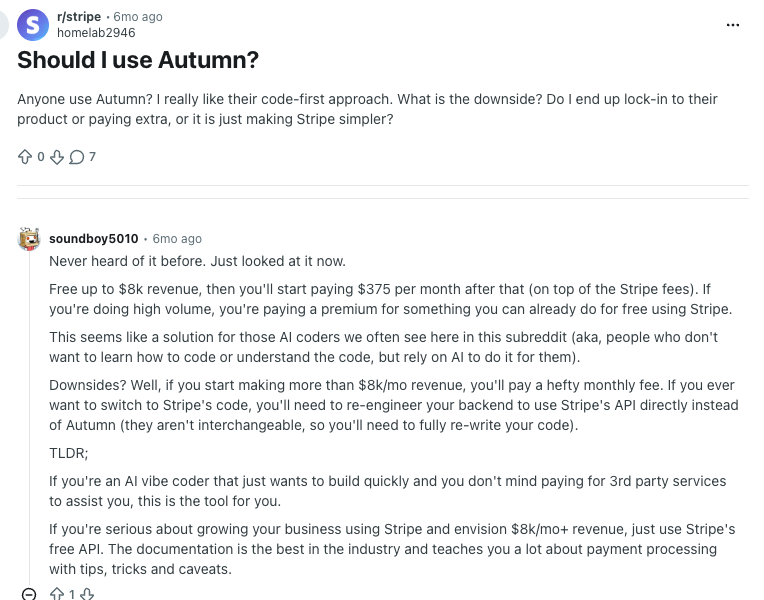
Pro: “This seems like a solution for those AI coders we often see here in this subreddit (aka, people who don't want to learn how to code or understand the code, but rely on AI to do it for them).”
Con: “Free up to $8k revenue, then you'll start paying $375 per month after that (on top of the Stripe fees). If you're doing high volume, you're paying a premium for something you can already do for free using Stripe.” [soundboy5010 Reddit user, January 12, 2026]
Use Autumn if your entitlement needs are straightforward and speed matters most. It is lighter to set up than a full EMS, which is useful when you need basic plan access, feature gates, and simple usage limits without a long implementation.
The main question is roadmap fit. If credits, AI usage governance, or complex tenancy are coming soon, stress-test those requirements before you commit.
The right entitlement management software depends almost entirely on what you are building and where you are on the complexity curve.
If you are building an AI product and entitlement checks are in the critical path of every request, Stigg is the purpose-built choice. The Sidecar, the credit ledger, and the tenancy depth are the capabilities that separate it from everything else on this list.
If you have outgrown feature flags but are not yet dealing with AI usage governance or enterprise tenancy complexity, Schematic gets you to commercial entitlements without the overhead of a full EMS.
If feature rollout and experimentation are the core requirements, LaunchDarkly is the right tool. Pair it with a dedicated entitlement layer if commercial access control is also needed.
If you are running traditional enterprise software with licensing and compliance requirements, Revenera is the established option. If you’re inheriting a Revenera deployment and building something more modern, it is often the starting point for an evaluation rather than the ending one.
If the requirements are simple and fast implementation matters, Autumn is worth considering, but pay careful attention to where its ceiling lands against your 18-month needs.
Ready to add the enforcement layer to your stack? The Stigg docs walk through how it fits alongside the billing infrastructure you already have.
Entitlement management software is a platform that defines and enforces what each customer can access or consume based on their plan. It sits between the application and billing, resolves access decisions at runtime, and lets teams update plan structures without touching application code.
The main difference between entitlement management software and feature flags is that feature flags control code-level rollouts while entitlement management controls commercial access.
Feature flags answer whether a feature is on or off. Entitlement management answers whether a customer can use a feature based on what they paid for, with measurable consumption limits rather than Boolean states.
The main difference between entitlement management software and billing software is where in the stack they operate. Entitlement management enforces access before actions execute. Billing records what was consumed and invoices afterward. They are complementary, not competing.
Yes, AI products typically need dedicated entitlement management software because billing tools cannot enforce limits before compute runs.
When each LLM call or agent action carries a real cost, access decisions need to resolve synchronously before execution. Post-facto recording means overages get billed rather than prevented.
Entitlement management software handles credits by maintaining a ledger that updates with each request. Before a billable action executes, the platform checks the available balance and blocks the request if it is insufficient.
Ledger accuracy matters as much as enforcement speed, especially for enterprise teams with budget allocations that need to hold up under audit.
%20(1).png)
%20(1).png)