If you’re pricing on usage, you know these questions all too well:
How are customers burning their credits?
How many credits were burned this month and how does that impact revenue recognition?
How are customers consuming their entitlements?
What changes should we make to pricing & packaging to increase conversion and upsell?
Stigg has the data, but to create complex reports and correlate it with additional sources such as product analytics, finance and CRM, you need to be able to export it to a data warehouse.
Until now, accessing your data via Stigg meant sinking valuable time into building and maintaining custom ETL pipelines - a process that quickly gets out of hand at scale.
Two core beliefs we have at Stigg:
Your data belongs to you. You should have complete freedom to export and analyze your usage and pricing data wherever you want.
Engineers shouldn't build in-house infrastructure for things that just ought to work. Just as you wouldn't build an authentication infrastructure, you shouldn't have to build custom pipelines to access your own monetization data.
That's why today we're announcing a major expansion of Stigg's data export. Until now it supported two destinations, Snowflake and BigQuery. Starting today, Stigg supports 24 destinations, across data warehouses, databases, NoSQL, cloud storage, and files, so the questions above become a query instead of a project.
Export Monetization Data Across Your Entire Tech Stack
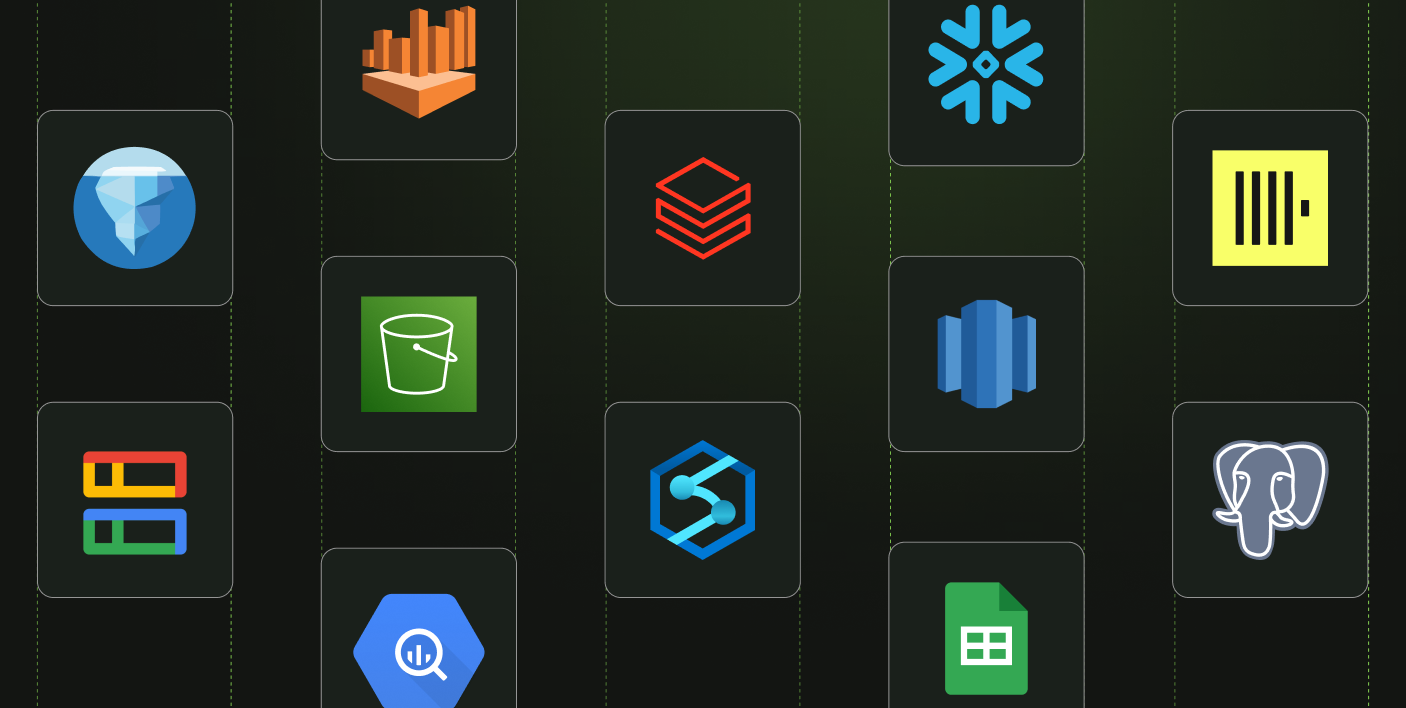
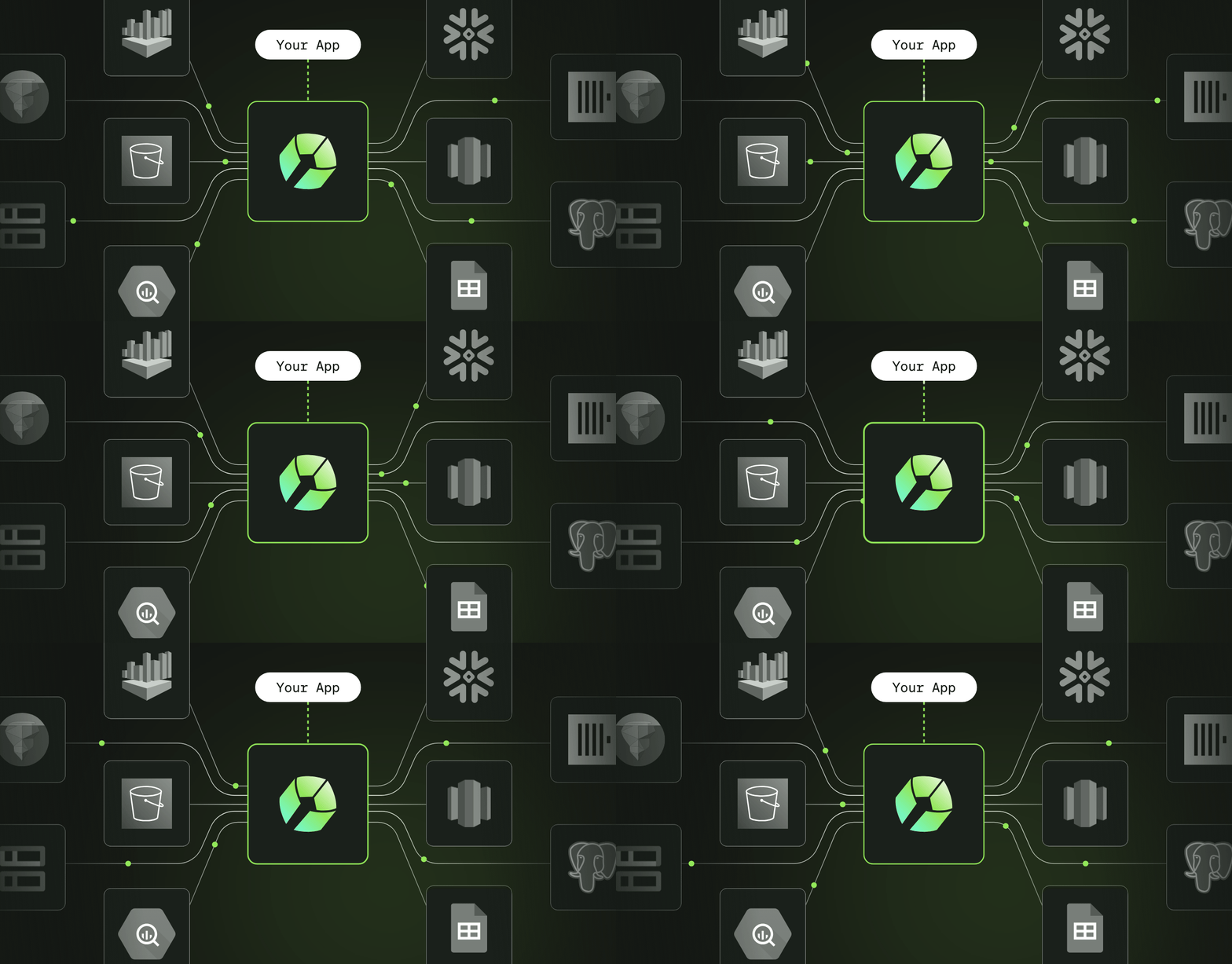
You no longer have to choose between siloed data and heavy engineering overhead. Stigg connects natively to a large list of destinations, including Databricks, Amazon Redshift, PostgreSQL, ClickHouse, Azure Blob Storage, and Amazon S3. Setting one up is a guided flow in the Stigg app, and from there it runs on its own with no ongoing maintenance from your engineering team.
Here is what this means for your stack:
Any destination you already run: data warehouses, databases, NoSQL, cloud storage, and files. As we keep adding destinations, your stack stays covered.
You choose what syncs, and how often: pick the entity groups you want, customer data, product catalog, usage tracking and integrations, and set a sync frequency anywhere from hourly to daily. Need the data now? Trigger a manual sync with one click. After the initial full sync, every run is incremental and moves only what changed.
Full visibility into every run: each destination shows its last sync status, and a full sync history gives you rows synced per entity, duration, whether the run was scheduled or manual, and who started it. Enough to troubleshoot without opening a ticket.
Full Data Ownership: The info you send to Stigg, from real-time token consumption to entitlement usage and subscription changes, is yours. You can export, retain, and query your historical data without restrictions.
What Can You Do With Your Exported Monetization Data
Once Stigg's data lands in your data platform, it joins everything else your product and pricing teams already analyze there:
See what customers actually use: feature adoption and entitlement consumption, per customer and per plan. Not what they clicked, but what they consumed of the thing they're paying for.
Spot accounts running toward their limits: see who is approaching a cap before they hit it, so your GTM team has the conversation ahead of the throttle instead of after it.
Price and package on evidence: compare real consumption against the limits on each plan. Find the entitlements nobody touches, and the limits everyone hits in week two.
Report on credits and revenue recognition: credit grants and consumption carry their cost basis and lifecycle dates, so deferred, recognized, and breakage fall out of a query and join into your ERP.
Understand unit economics per account: Stigg gives you the consumption side, per customer. Join it to your own compute costs in the warehouse and the margin picture is one query away.
How to Get Started
Data export is included in the Scale plan.
In the Stigg app, go to Integrations > Apps, pick your destination, and follow the setup steps for it. Choose the entity groups you want to sync and how often you want it to run. Stigg takes it from there with an initial full sync, then incremental runs on your schedule.




.png)