Product Updates
Stigg Now Supports 24 Data Export Destinations
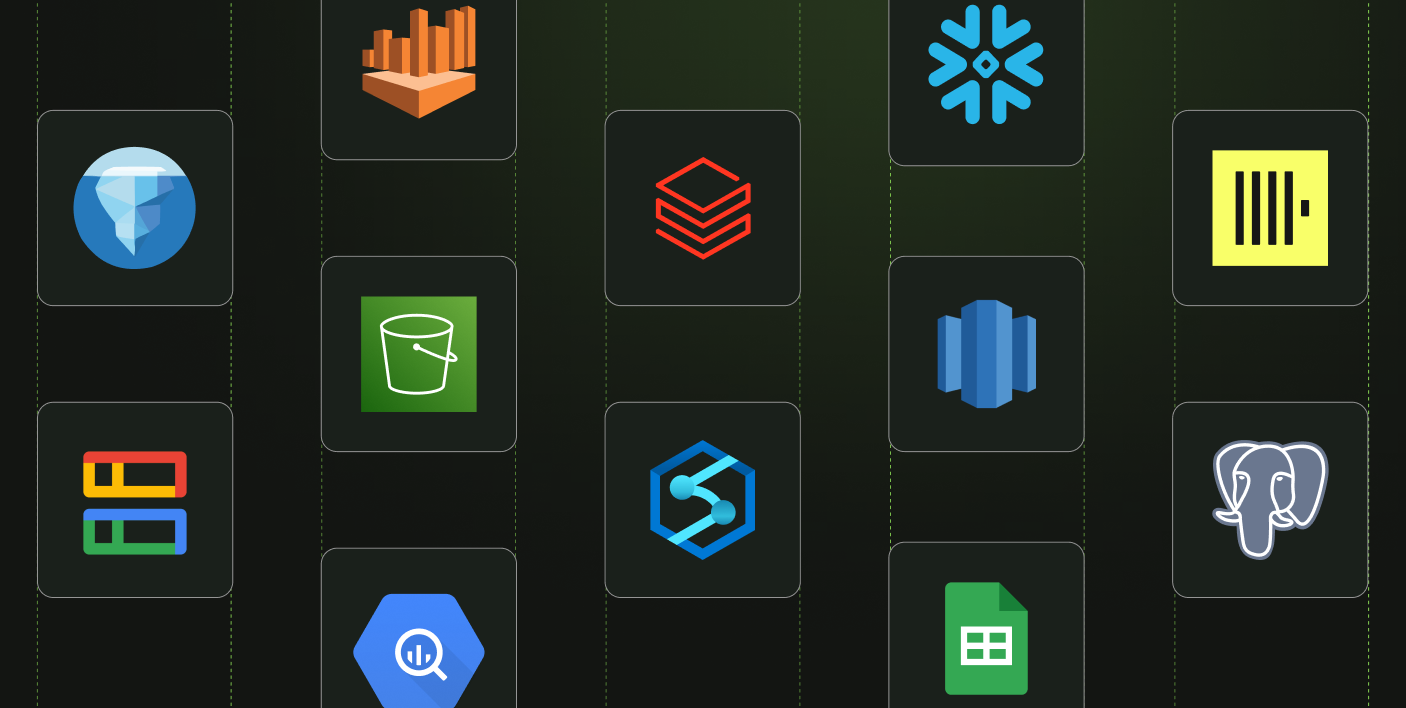
Stigg’s data can now be exported to 24 destinations, making it easier to connect your usage & monetization data with the rest of your stack.

Check the budget before your agents spend, meter what they actually use, and keep calling your model the way you do today.



Every call your agent makes costs something. Now multiply it: every agent, every customer, every step of every loop. An agent can call the model again and again inside one task, hand work to sub-agents that do the same, and finish before your usage pipeline has counted the first call. In most stacks, nothing checks the budget before the money is spent.
Today we're launching the Stigg Agent SDK to change that. It wraps the model client you already use, checks the budget before each call, and meters what the call actually used after it returns. It's open source, it works with 12 providers and gateways, and adding it takes one line.
When we looked at what it takes to control what agents spend, it came down to five pieces, and together they look a lot like a bank:
Stigg already runs all five. Customers keep credit balances in Stigg, plans turn usage into credits, and governance gives agents and teams their own budgets, arranged as a tree. What was missing was the piece inside your agent's process, where the usage numbers arrive and where the next call is decided. That's the Agent SDK.
import Anthropic from '@anthropic-ai/sdk';
import { StiggAgentSDK } from '@stigg/agent-sdk-js';

const stigg = new StiggAgentSDK(); // reads STIGG_SERVER_API_KEY

const client = stigg.wrap(new Anthropic(), {
  stiggContext: { customerId: 'customer-acme', entitlement: { currencyId: 'credits' } },
});

// Exactly the call you make today.
await client.messages.create({ model, max_tokens: 1024, messages });
You keep calling messages.create the way you do today. wrap() returns a copy of your client, so nothing else in your app changes, and the context that says who a call is for travels with the call. One wrapped client can serve every customer and every agent in your process.
Every call through a wrapped client goes through three steps:
The two ends fail differently on purpose. A refusal always stops the call. A failed usage report never breaks a call that already worked; it goes to your error hook instead. And if Stigg can't be reached at all, you choose: let calls through, so an outage on our side doesn't take your product down, or hold them, so nothing spends past a budget.
Metering what a call actually used takes more than reading one number. Vendors count cached tokens differently, Anthropic restates usage at the end of a stream, and a reply the user stops halfway never reports its output. The SDK handles each of these, so the numbers in Stigg match what the vendor actually billed.
The SDK works with 12 providers and gateways:
Not one of them is a dependency. Each integration reads the shape of the vendor's response instead of importing its SDK, so you only install the vendor you use. For gateways like OpenRouter, the SDK also reports what the gateway actually charged and which model actually served, so routing drift shows up in Stigg.
Agents call other agents, so budgets in Stigg form a tree. You register an agent once and place it under a team or a parent agent:
await stigg.register({
  customerId: 'customer-acme',
  agentId: 'artist',
  entityTypeId: 'agent',
  budget: {
    entitlement: { currencyId: 'credits' },
    parentId: 'chat-assistant',
    limit: 4_000,
    cadence: 'P1M',
  },
});
Every call is checked against the agent and everything above it. One runaway agent can't spend its siblings' budget, and a team's cap still holds across all of its agents. If you don't know what the limits should be yet, start with limit: null, which tracks usage against the tree without capping it.
When a budget runs out, the call never runs, and the model is never billed for it. Your code gets an error that says which budget said no and what to offer the user:
import { isAccessDenied } from '@stigg/agent-sdk-js';

try {
  await client.messages.create({ model, max_tokens: 1024, messages });
} catch (error) {
  const denial = isAccessDenied(error);
  if (!denial) throw error;
  // denial.remedy: 'top-up' | 'raise-budget' | 'subscribe' | 'retry'
  // denial.message: "Budget exhausted for artist…"
}
That's not an outage. If the customer is out of credits, it's the moment to offer a top-up. If an admin capped the agent, the user knows exactly who to ask.
Budgets live in Stigg, so the people who own them can change them. Raise an agent's limit in Stigg, and the next call goes through, with no redeploy and no restart, because refusals are never cached. Register budgets with apply: 'on-create', and your next deploy won't overwrite an admin's change.
The change is small enough to hand to your coding agent:
Add Stigg's Agent SDK to this agent.
Point it at the repo, since the package is new. Or add it yourself:
npm install @stigg/agent-sdk-jsTo see budgets work before you touch anything real, run the examples in the repo. With no keys set, they run against built-in mocks of the model vendor and of Stigg, so you don't need an account:
git clone https://github.com/stiggio/stigg-agent-sdk-ts && cd stigg-agent-sdk-ts
corepack enable && yarn install
yarn example-two-agents
The SDK is open source under the MIT license, and the repo has the code, the examples, and the full guide.
AI usage, under control.
.png)