%20(1).png)
Guides
Best Metered Billing Software: 9 Tools Ranked (2026)
I tested 9 metered billing software platforms for metering accuracy, pricing, and real-time enforcement, with honest pros, cons, and prices for 2026.

Not every billing problem needs Zuora's full suite. We broke down seven alternatives by implementation speed, pricing flexibility, and AI billing fit.


If you're paying for Zuora's enterprise billing stack but only using a fraction of it, you're not alone. These seven Zuora competitors cover the same core billing needs with less overhead, sorted by implementation speed, pricing flexibility, and AI billing fit.
Here's where the seven competitors pull ahead:
Below, we break down what each one actually gets right and where it still falls short.
| Tool | Best For | Pricing | Strengths |
|---|---|---|---|
| Recurly | Subscription businesses focused on churn recovery | From $249/month + 0.9% of billing volume | ML-powered dunning, multi-gateway, churn recovery |
| Chargebee | Layering usage onto subscription billing you already trust | Free up to $250K billing, then $7,188/yr | CPQ on same billing engine, schemaless usage ingestion, 35+ gateways |
| Stripe Billing | Developer-first teams already on Stripe | From $620/month or 0.7% pay-as-you-go | Zero-friction setup, native Stripe integration, usage-based billing |
| Maxio | Finance-led B2B SaaS with complex revenue recognition | From $599/month | GAAP rev rec, SaaS metrics, bi-directional ERP integrations |
| Sage Intacct | Multi-entity SaaS and services needing full financial management | Custom quote | Dimensional GL, multi-entity consolidation, native ASC 606 |
| Zoho Billing | Zoho-ecosystem teams wanting affordable subscription billing | From $39/month | Tight Zoho Books integration, easy setup, budget-friendly |
| BillingPlatform | Enterprises needing deep configuration flexibility across quote-to-cash | Custom quote | Formula pricing engine, CPQ on one data model, N-tier hierarchies |
Disclaimer: Prices are subject to change without notice. Always visit the official company websites for the most up-to-date pricing information.
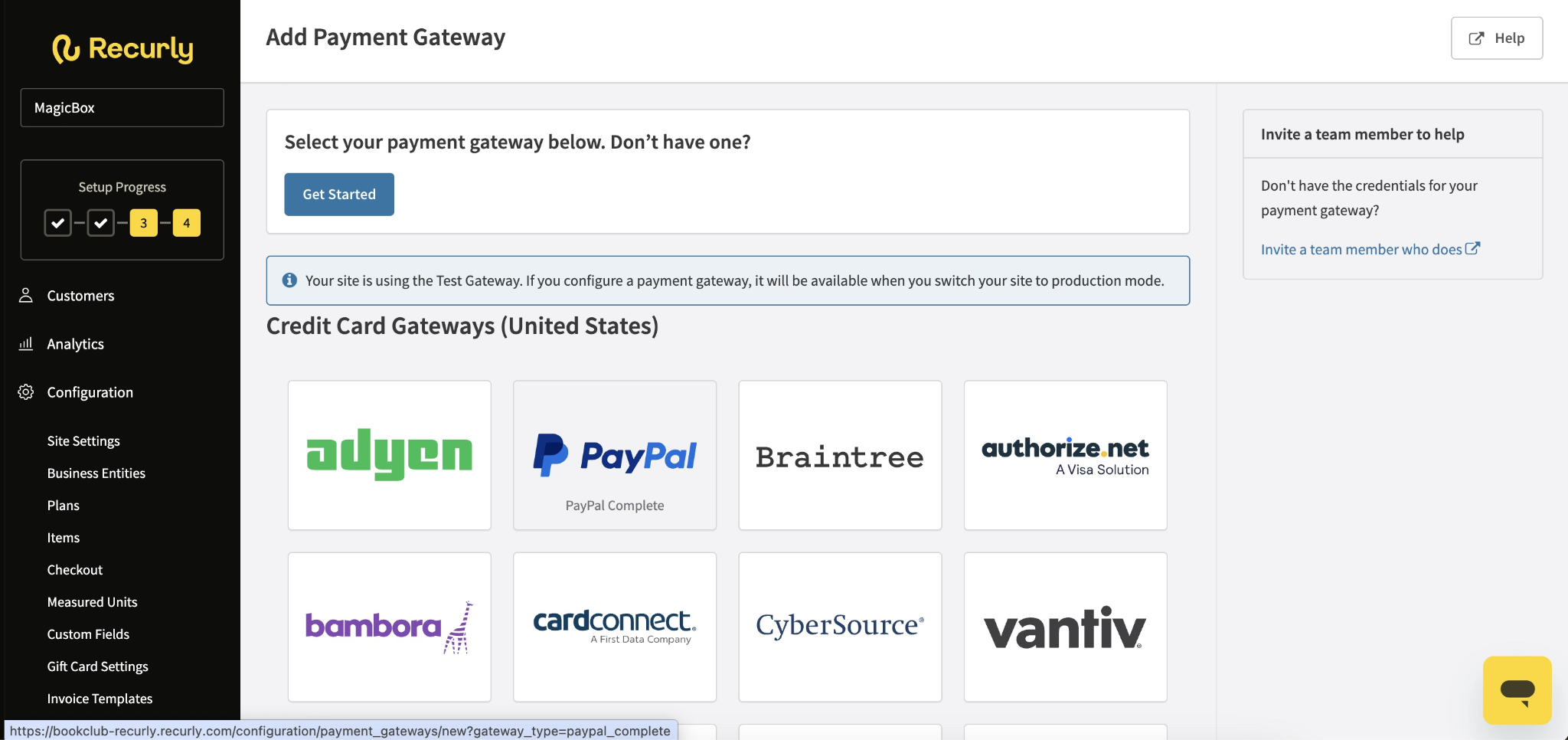
What it does: Recurly is a subscription billing and revenue management platform built specifically for companies with recurring revenue models, with a standout focus on dunning, churn recovery, and payment failure management.
Best for: Companies with large subscriber counts and high-velocity subscription volume who lose meaningful revenue to failed payments and involuntary churn.
Recurly's dunning engine is genuinely more developed than most platforms at this price point. The retry logic, account updater integrations, and configurable email sequences are the core product.
For subscription businesses where failed payments are a real revenue leak, that focus shows in a way that broad-platform alternatives don't match.
Pricing transparency is a recurring complaint. Several Capterra reviewers reported higher final costs (sometimes by 40%) than what was discussed during the sales process due to transaction limits and per-transaction fees that weren't made clear up front.
Implementation and customization can also add $10K to $50K to the subscription cost. For AI-native or usage-heavy products, Recurly is still subscription-first at its core.
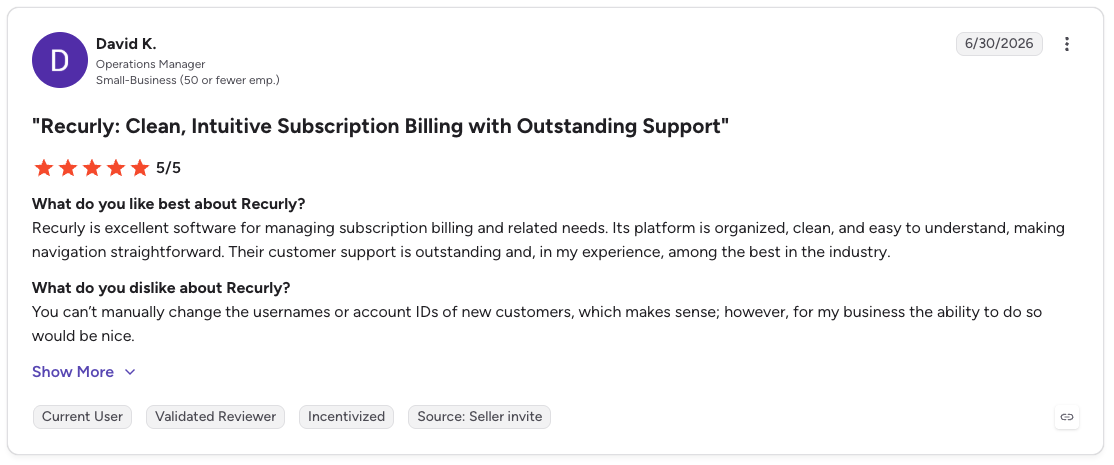
Pro: “Recurly is excellent software for managing subscription billing and related needs. Its platform is organized, clean, and easy to understand, making navigation straightforward. Their customer support is outstanding and, in my experience, among the best in the industry.” [David K., G2 Review, June 30, 2026]
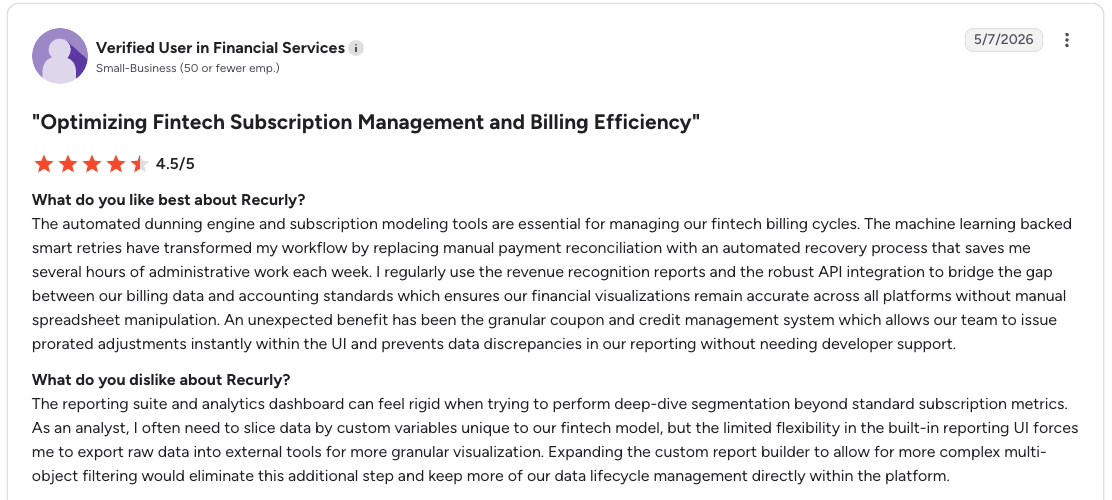
Con: “The reporting suite and analytics dashboard can feel rigid when trying to perform deep-dive segmentation beyond standard subscription metrics. As an analyst, I often need to slice data by custom variables unique to our fintech model, but the limited flexibility in the built-in reporting UI forces me to export raw data into external tools for more granular visualization.” [Verified User in Financial Services, G2 Review, May 7, 2026]
Starter runs $249/month plus 0.9% of billing volume, with the first $40K in monthly billings included at no charge.
All-Access is volume-based, with a minimum of less than 1% of annual billing volume and a $1M billing volume minimum. A Shopify-specific plan is also available at the same rate.
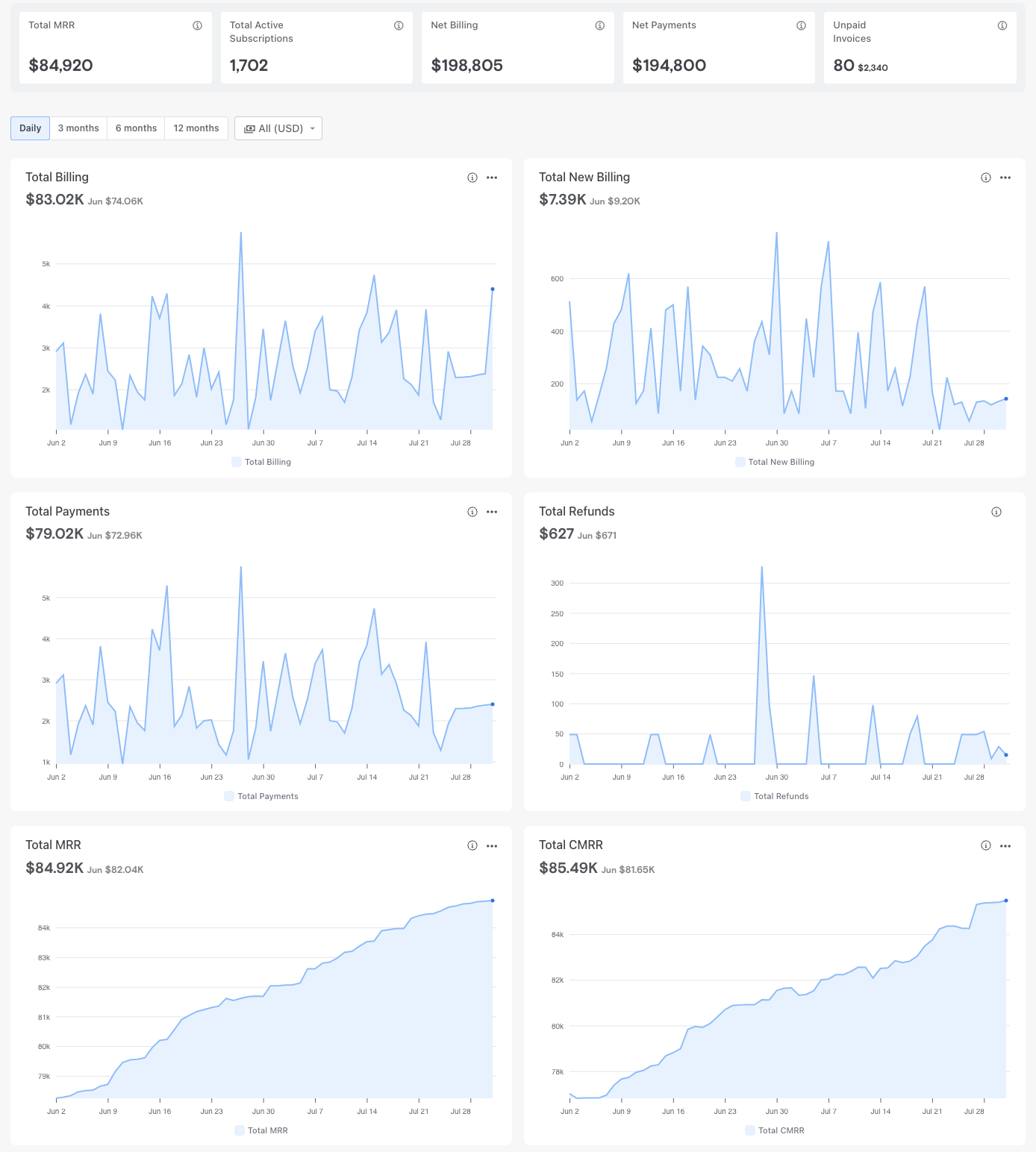
What it does: Chargebee is a subscription and usage billing platform that covers the full revenue lifecycle, from plan creation and checkout through invoicing, dunning, and revenue recognition, without requiring a dedicated RevOps team to operate it.
Best for: Companies that need a faster, more accessible alternative to enterprise billing platforms without sacrificing hybrid pricing support or finance-grade revenue recognition.
The CPQ integration is tighter than most platforms in this category. Quotes and invoices share the same data model, which means pricing doesn't drift between what sales quoted and what billing actually charges.
For companies that have watched post-sale disputes eat into revenue because their CPQ and billing systems were out of sync, that single-source architecture is a real fix.
The modular pricing stacks up fast. Billing, CPQ, RevRec, and Retention each carry separate pricing, and mid-market organizations using multiple modules can find themselves at 1.2 to 1.4% of ARR in total platform cost once overages and add-ons are factored in.
RevRec also requires a custom quote and is only available to existing billing customers, so the true cost isn't visible until you're already committed. The credit model is still invoice-offset-based rather than a programmable wallet, which limits what AI-native products can do.
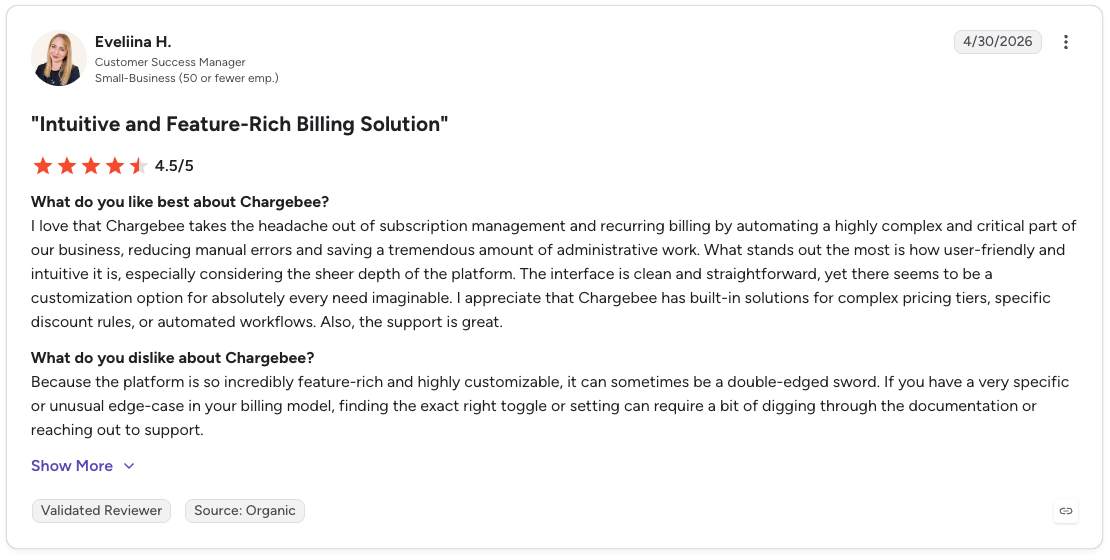
Pro: “I love that Chargebee takes the headache out of subscription management and recurring billing by automating a highly complex and critical part of our business, reducing manual errors and saving a tremendous amount of administrative work. What stands out the most is how user-friendly and intuitive it is, especially considering the sheer depth of the platform.” [Eveliina H., G2 Review (April 30, 2026)]
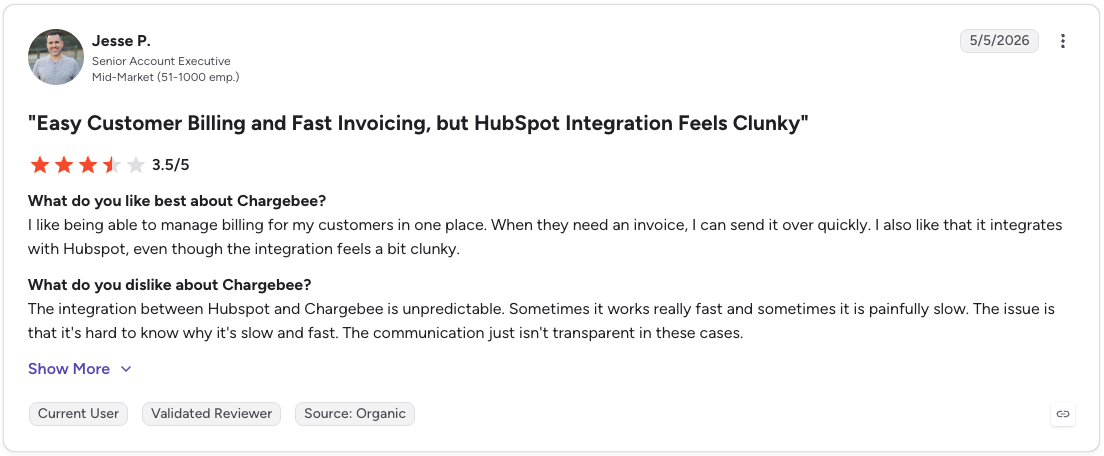
Con: “The integration between Hubspot and Chargebee is unpredictable. Sometimes it works really fast and sometimes it is painfully slow. The issue is that it's hard to know why it's slow and fast. The communication just isn't transparent in these cases.” [Jesse P., G2 Review (May 5, 2026)]
Chargebee's Starter plan is free until you cross $250K in cumulative billing, then a 0.75% fee kicks in. Performance runs $7,188/year (billed monthly) for up to $100K in billing per month, and Enterprise is a custom quote from sales once you outgrow that.
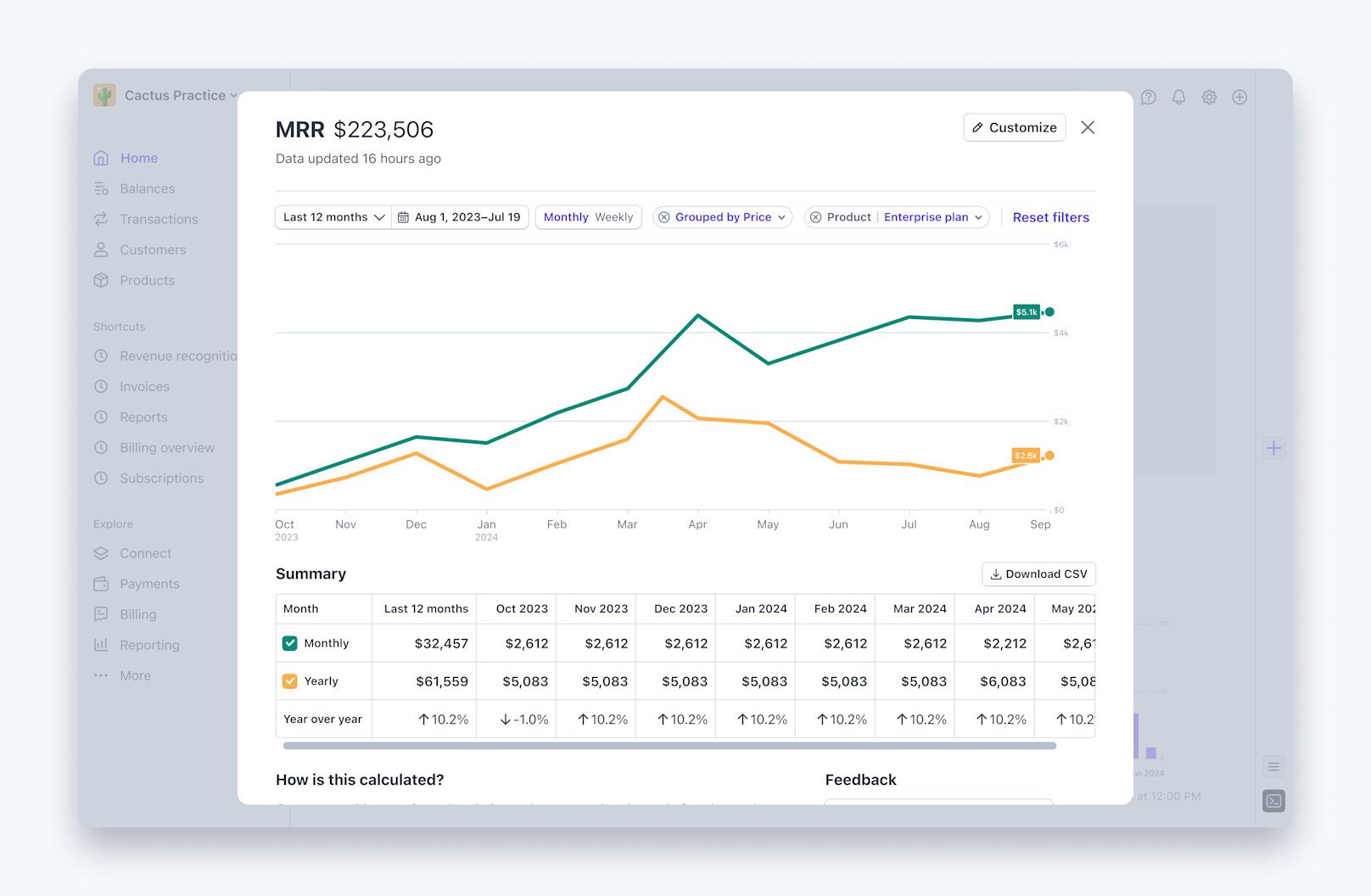
What it does: Stripe Billing is the subscription and usage billing layer built natively on top of Stripe Payments, covering recurring plans, usage-based charges, invoicing, and dunning within the same dashboard and API as your payment processing.
Best for: Developer-first teams already processing payments on Stripe who want subscription management without adding a separate billing vendor to their stack.
The zero-friction starting point is a big advantage. If your team already runs payments on Stripe, adding Billing means one API, one dashboard, one support relationship.
Stripe acquired Metronome in 2026 to close its gap on high-volume usage metering, though that capability is still being integrated rather than available out of the box today. Native Stripe Billing still hits real ceilings on usage scale and enterprise contracts, which we’ll look at more below.
Stripe Billing only runs on Stripe Payments, so if you use another processor today, that will go away. Enterprise contract complexity is also a real ceiling: no native ramped contracts, no quote system for negotiated terms, and metering throughput hits limits above 1,000 events per second per account.
The cost also adds up faster than the headline rate suggests. The 0.7% Billing fee sits on top of the 2.9% + 30¢ Payments rate, plus Tax, Radar, and international fees, if any apply to your business.
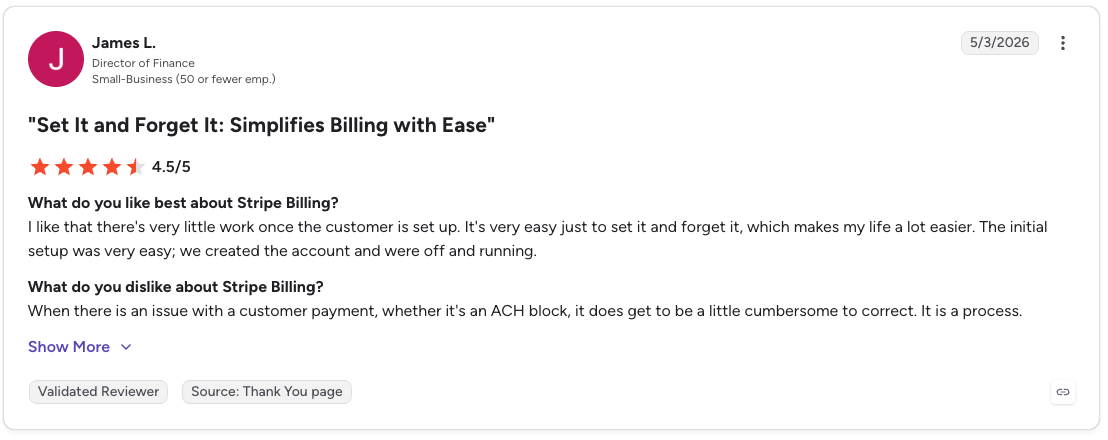
Pro: “I like that there's very little work once the customer is set up. It's very easy just to set it and forget it, which makes my life a lot easier. The initial setup was very easy; we created the account and were off and running.” - James L., G2 Review (May 3, 2026)

Con: “Our administrative staff have a very steep learning curve and sometimes things go wrong with the API and fail to input key medical invoices into our main system.” [Hikmet L., Capterra Review (February 23, 2026)]
Stripe Billing starts at $620/month on an annual contract, or 0.7% of billing volume on pay-as-you-go if your volume is lower or unpredictable.
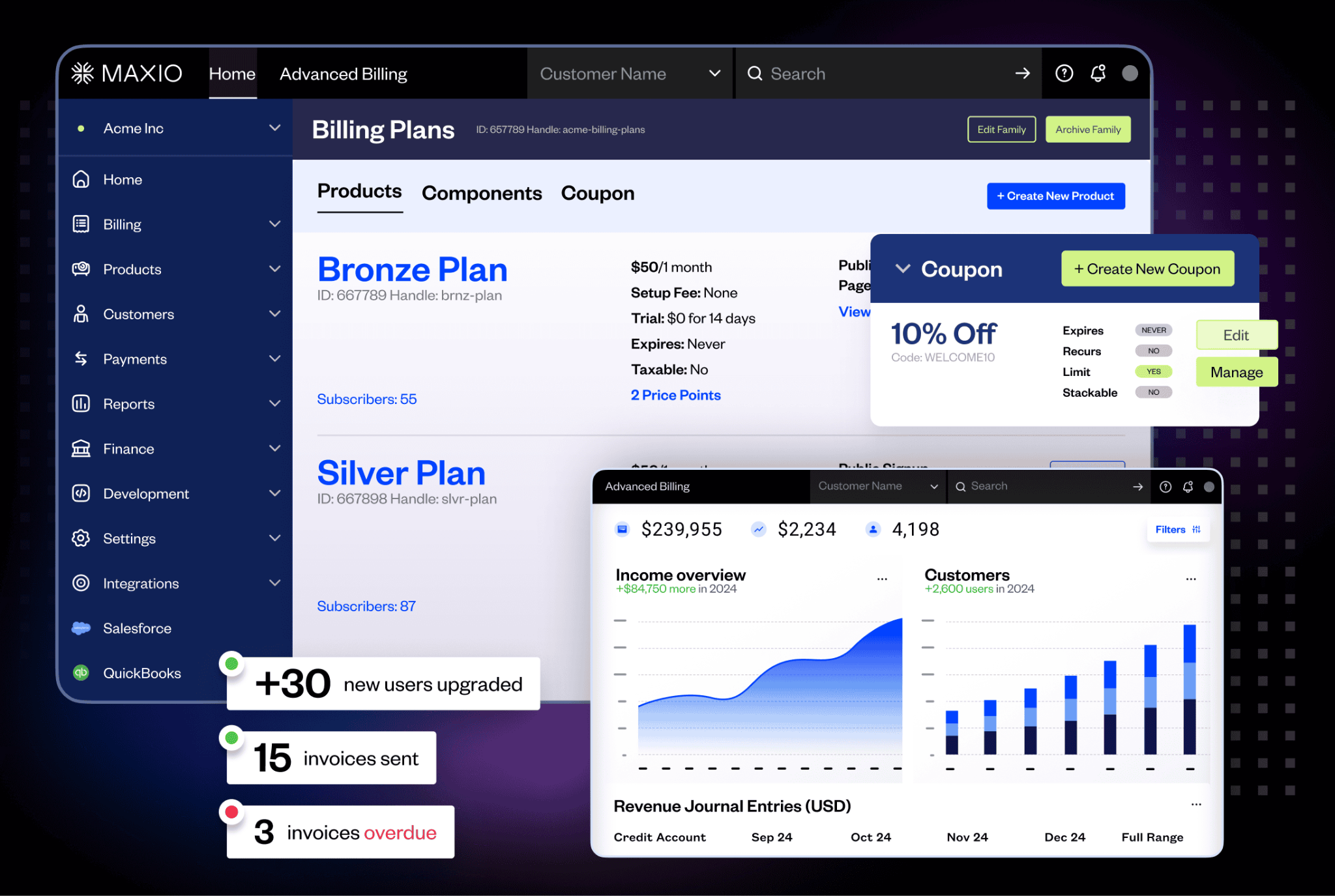
What it does: Maxio is a billing and financial operations platform built specifically for B2B SaaS. It combines subscription and usage-based billing with GAAP-compliant revenue recognition and SaaS metrics in one system, designed for finance teams that need more than just invoicing.
Best for: Mid-market B2B SaaS companies with a CFO or finance lead driving the buying decision, where getting to a clean monthly close matters as much as getting invoices out the door.
The month-end close story is different here. Most billing platforms hand off to a separate RevRec tool, which means finance spends the last week of every month reconciling two systems.
Maxio keeps revenue recognition on the same data as invoicing, which shortens that process considerably. For teams coming off a platform where close was a multi-week exercise, that alone changes the conversation.
The bolt-on structure means the base plan covers less than it initially appears. Advanced billing, A/R management, and revenue recognition each require separate modules, and the costs compound as billing volume grows.
For AI-native companies iterating on pricing weekly, the platform moves at a finance team's cadence.
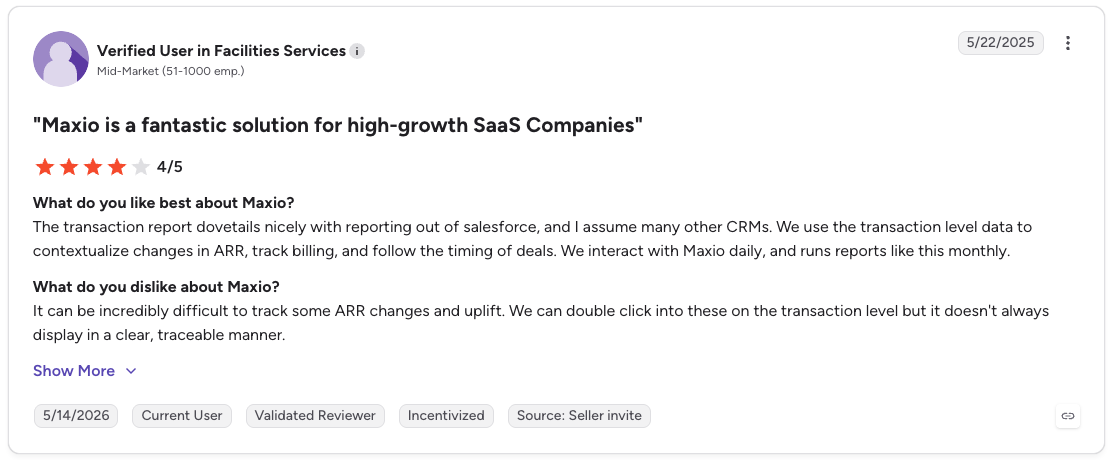
Pro: “The transaction report dovetails nicely with reporting out of Salesforce, and I assume many other CRMs. We use the transaction level data to contextualize changes in ARR, track billing, and follow the timing of deals. We interact with Maxio daily, and runs reports like this monthly.” [Verified User in Facilities Services, G2 Review (May 22, 2025)]
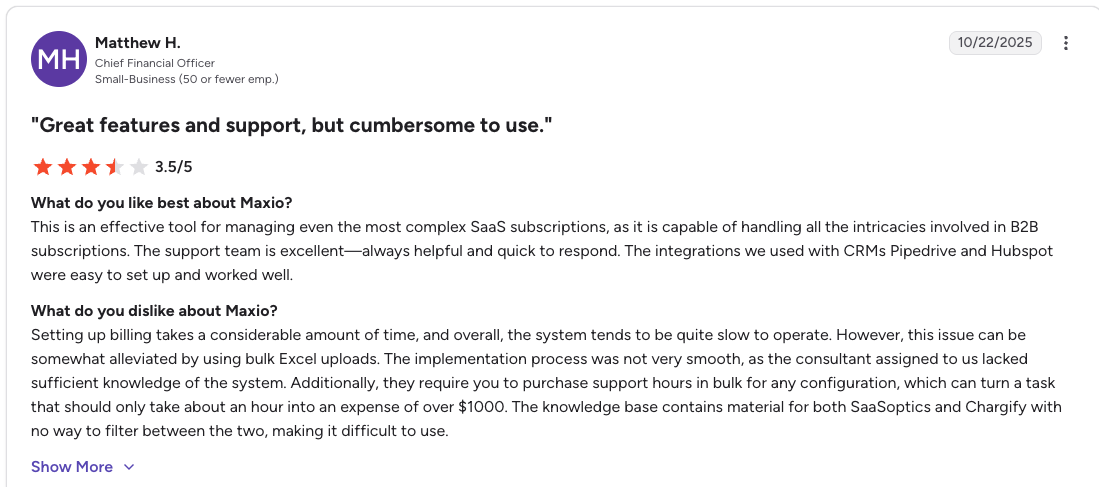
Con: “Setting up billing takes a considerable amount of time, and overall, the system tends to be quite slow to operate. However, this issue can be somewhat alleviated by using bulk Excel uploads. The implementation process was not very smooth, as the consultant assigned to us lacked sufficient knowledge of the system.” [Matthew H., G2 Review (October 22, 2025)]
Maxio’s Grow plan runs $599/month for up to $100K in monthly billings. Once you're past that, Scale is quote-only and steps up to advanced revenue recognition, A/R management, and expense amortization.
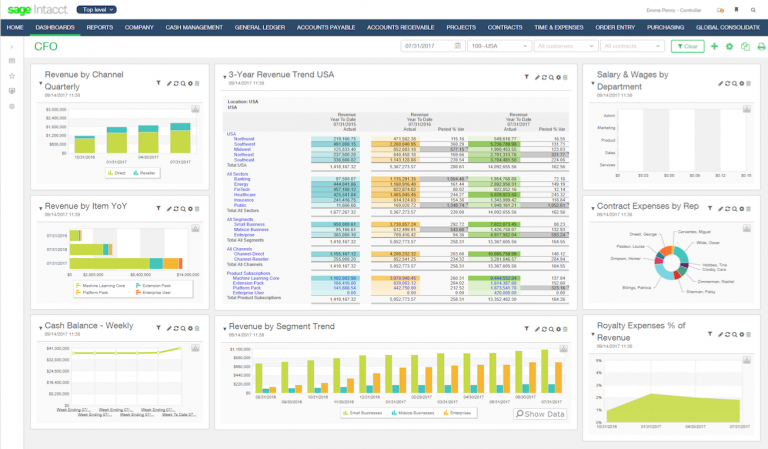
What it does: Sage Intacct is a cloud financial management platform that covers core financials, subscription billing, project accounting, and GAAP-compliant revenue recognition, with particular depth for multi-entity organizations needing real-time consolidation across business units.
Best for: Finance-led SaaS, professional services, and nonprofit organizations that need a full ERP-adjacent financial management layer, not just a billing engine.
The dimensional general ledger is what finance teams actually get excited about. Sage Intacct gives you a reporting architecture. Dimensional tags on every transaction let you slice revenue by entity, project, department, and geography without rebuilding anything.
For multi-entity organizations that have been doing consolidation in spreadsheets, that's a big step up.
Sage Intacct doesn't publish pricing, and contracts are scoped to your module selection, so the full cost isn't visible until you're in a sales conversation. Implementation is also billed separately and can add greatly to the first-year investment.
It's not a full ERP either, so it lacks native inventory, manufacturing, or supply chain capabilities. If you change pricing models often, Sage Intacct's finance-first design will feel heavy for that kind of iteration.
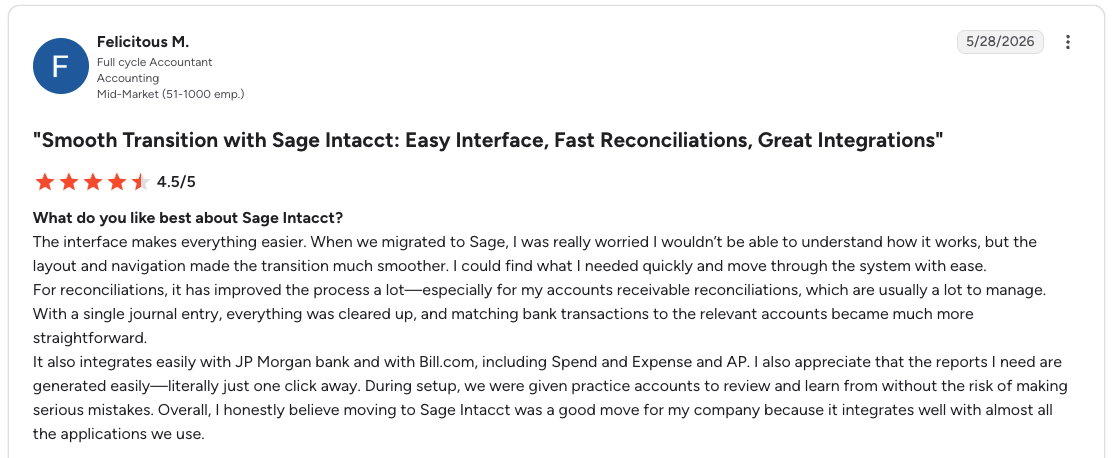
Pro: “For reconciliations, it has improved the process a lot, especially for my accounts receivable reconciliations, which are usually a lot to manage. With a single journal entry, everything was cleared up, and matching bank transactions to the relevant accounts became much more straightforward.” [Felicitous M., G2 Review (May 28, 2026)]
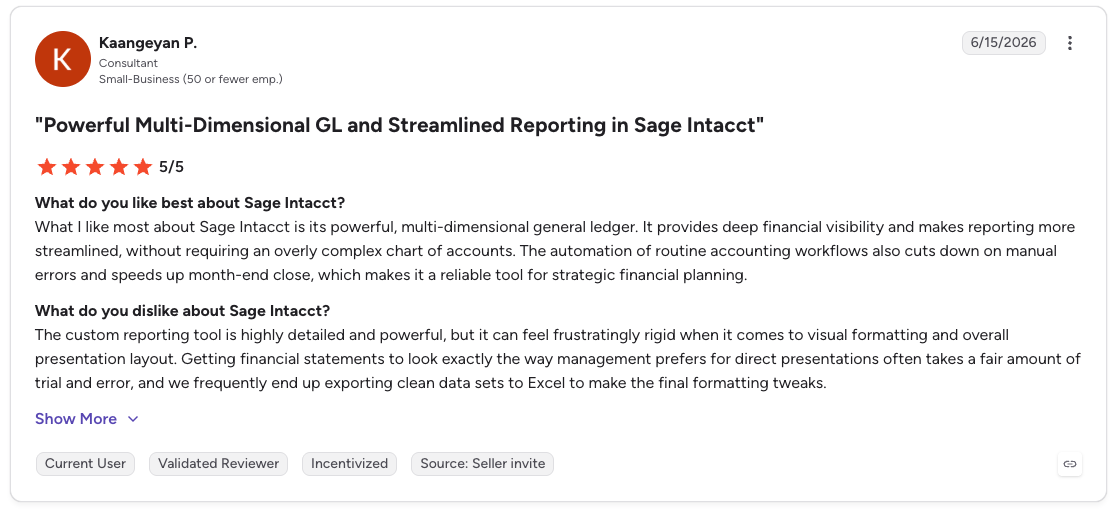
Con: “The custom reporting tool is highly detailed and powerful, but it can feel frustratingly rigid when it comes to visual formatting and overall presentation layout. Getting financial statements to look exactly the way management prefers for direct presentations often takes a fair amount of trial and error, and we frequently end up exporting clean data sets to Excel to make the final formatting tweaks.” [Kaangeyan P., G2 Review (June 15, 2026)]
Pricing is fully custom and module-based. No figures are published, so you should request a quote directly from Sage based on your organization's size, required modules, and number of entities.
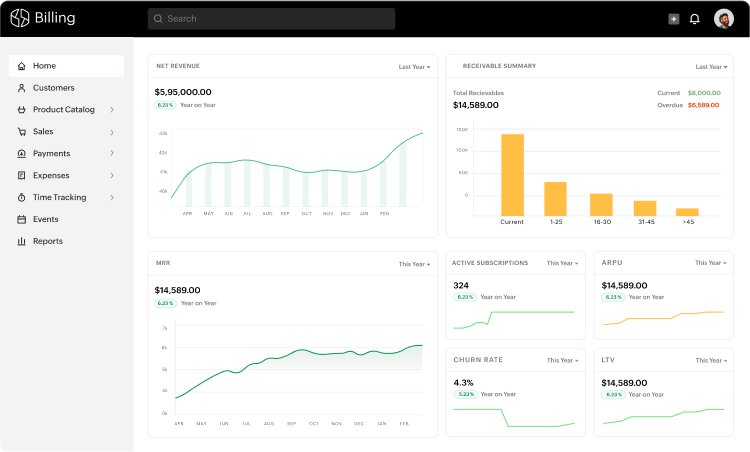
What it does: Zoho Billing is an end-to-end subscription and recurring billing platform within the Zoho suite, covering subscription management, invoicing, metered billing, dunning, and customer lifecycle workflows, at a price point well below that of most enterprise billing tools.
Best for: Small to mid-market companies already using Zoho CRM, Zoho Books, or other Zoho products who want subscription billing that integrates natively without adding a separate vendor.
The integration with Zoho Books is tighter than most billing-to-accounting connections I've seen. Every subscription event flows directly into the accounting layer without a sync job or a manual export.
If you’re already running your business on Zoho, that native connection removes a whole category of reconciliation work that other tools still require.
Zoho Billing's limitations show up when pricing gets complex. Bulk updates are cumbersome, automated charges have had reliability issues with some payment gateway combinations, and the reporting depth falls short of what finance teams need at serious revenue scale.
New features can also feel rough at launch. It's not the right tool for AI-native companies with usage-heavy, credit-based, or enterprise contract pricing needs.
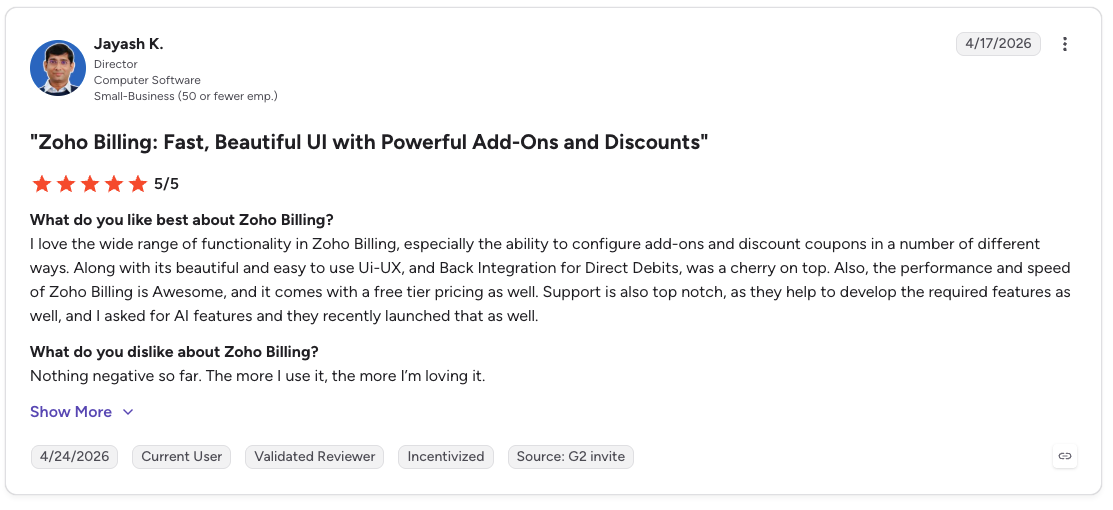
Pro: “I love the wide range of functionality in Zoho Billing, especially the ability to configure add-ons and discount coupons in a number of different ways. Along with its beautiful and easy-to-use UI/UX, and Back Integration for Direct Debits, was a cherry on top.” [Jayash K., G2 Review (April 17, 2026)]
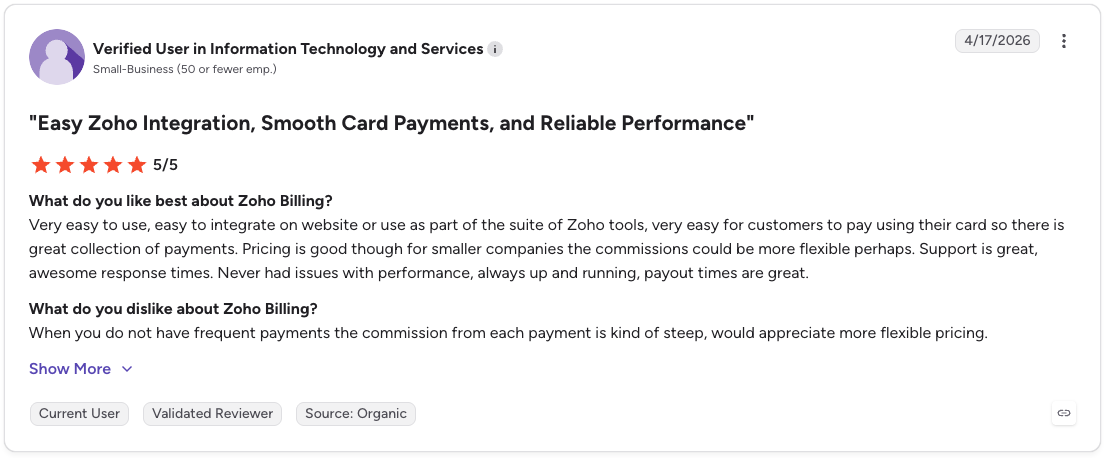
Con: “When you do not have frequent payments the commission from each payment is kind of steep, would appreciate more flexible pricing.” [Verified User in Information Technology and Services, G2 Review (April 17, 2026)]
Standard runs $25/month per organization, billed annually, covering one-time billing and invoicing. Premium is $59/month, billed annually, and adds subscription billing and hosted payment pages.
Enterprise is custom pricing for high-volume operations with advanced usage-based billing controls. A 14-day free trial is available on both Standard and Premium.
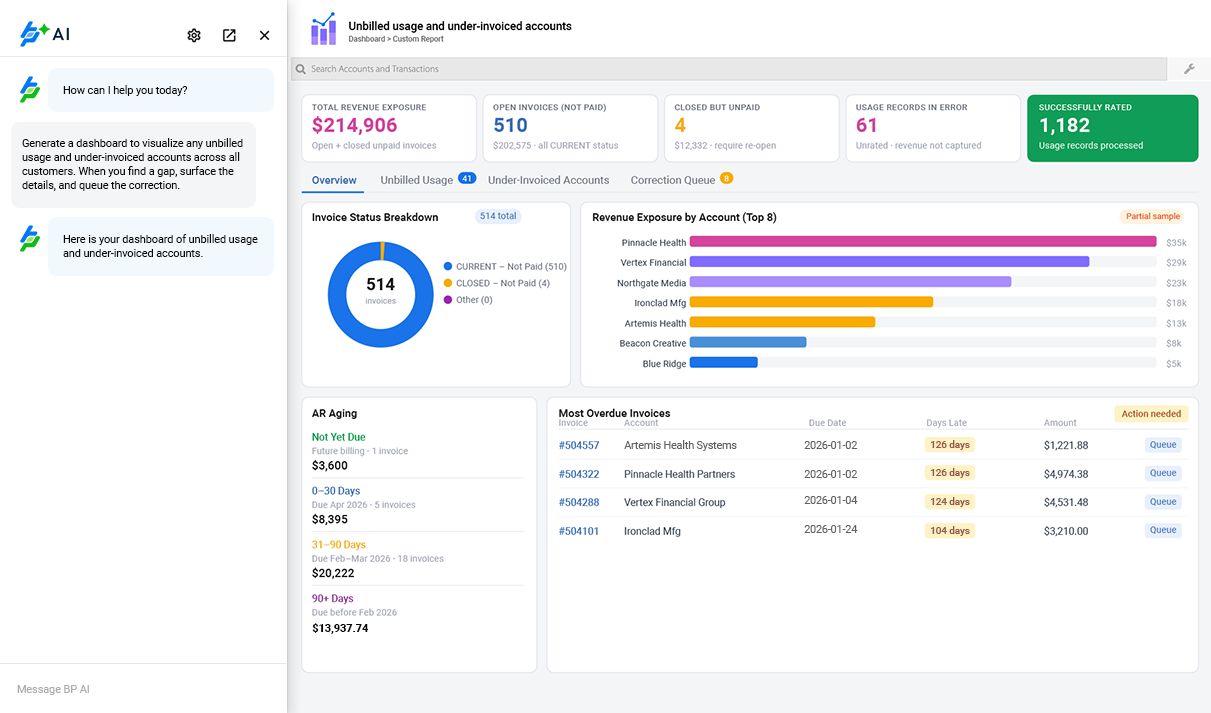
What it does: BillingPlatform is a cloud-based enterprise billing and revenue lifecycle platform that covers CPQ, contract management, rating, invoicing, collections, and revenue recognition on a single data model, built for organizations with billing requirements that standard platforms can't model without custom development.
Best for: Large enterprises in communications, technology, transportation, or media with complex pricing logic, multi-tier account hierarchies, and billing models that require deep configuration flexibility across the full quote-to-cash lifecycle.
The formula pricing engine stands out. BillingPlatform lets you write Excel-like formulas to calculate charges based on multiple conditions and attributes simultaneously.
For enterprises with pricing logic that doesn't fit standard models, think telecommunications, media rights, or complex SaaS bundles, that capability closes deals that other platforms have to decline.
It's not a platform for teams without dedicated billing operations staff. The learning curve for admins configuring rating rules and workflows is steep, and keeping configurations clean as pricing models evolve requires ongoing engineering involvement.
Implementation is a significant undertaking, pricing requires a sales conversation with no published figures, and there are no recent public customer reviews to draw from either.
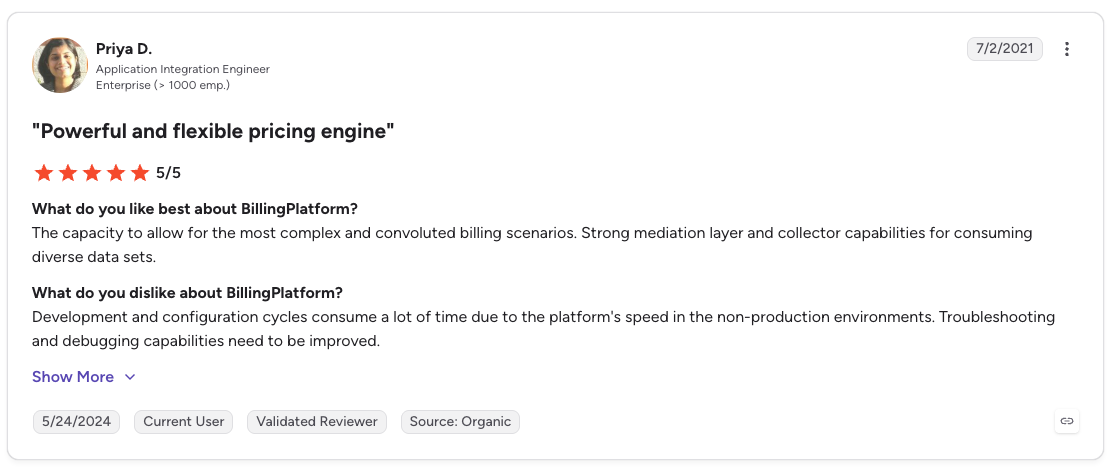
Pro: “The capacity to allow for the most complex and convoluted billing scenarios. Strong mediation layer and collector capabilities for consuming diverse data sets.” [Priya D., G2 Review (July 2, 2021)]
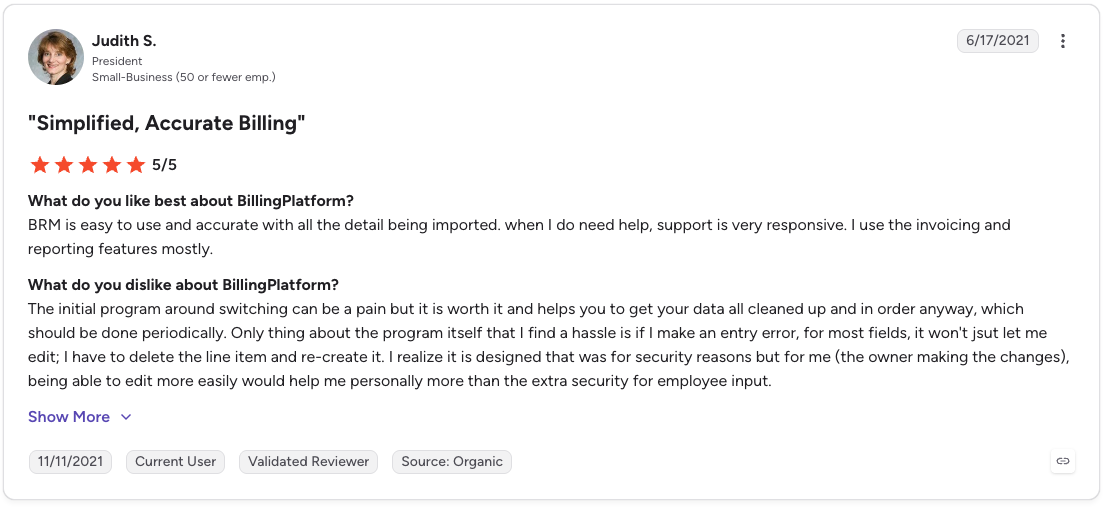
Con: “The initial program around switching can be a pain but it is worth it and helps you to get your data all cleaned up and in order anyway, which should be done periodically. Only thing about the program itself that I find a hassle is if I make an entry error, for most fields, it won't jsut let me edit; I have to delete the line item and re-create it.” [Judith S., G2 Review (June 17, 2021)]
BillingPlatform does not publish pricing. All plans are quoted based on transaction volume, feature scope, and contract length.
The right answer depends on which part of Zuora is actually the problem.
Choose Recurly if you:
Choose Chargebee or Maxio if you:
Choose Stripe Billing if you:
Choose Sage Intacct if you:
Choose Zoho Billing if you:
Choose BillingPlatform if you:
Skip switching entirely if Zuora is working, and your actual problem is something upstream of the invoice, like entitlement enforcement, credit governance, or spend controls for AI usage.
Picking the right Zuora alternative comes down to where the actual friction is. If it's implementation speed and pricing agility, Chargebee or Maxio get you there faster.
If it's developer simplicity on an existing Stripe stack, Stripe Billing is the obvious path. If the problem is genuinely enterprise-grade financial management across multiple entities, Sage Intacct or BillingPlatform are built for that level of complexity.
Billing platforms handle the invoice. However, what happens before that, deciding what a customer is actually allowed to do in real time, is a different problem that none of them solve.
That decision lives in custom code at most companies. Feature flags, hardcoded credit checks, and spend controls are bolted together and maintained by whoever drew the short straw.
Stigg replaces that. It enforces entitlements, credits, usage limits, and spend governance in the request path before the work happens. Every request is evaluated against the latest access rules and usage state.
You don't have to adopt all of it or replace anything. Entitlements, credits, and budgets each run as a separate component alongside your existing billing, so you can start with one and add the rest later.
If the invoice isn't the problem, the enforcement layer probably is. To learn more, start with the Stigg docs.
For AI-native companies, Chargebee and Stripe Billing are the fastest starting points for usage-based billing, but neither handles credits, tokens, or real-time entitlement enforcement natively.
Maxio is the stronger fit when finance and revenue recognition are as important as the billing engine itself.
Not usually. Zuora is designed for enterprises with dedicated RevOps resources, complex contract structures, and stable pricing models.
Mid-market teams with simpler billing needs and faster iteration cycles often find that alternatives like Chargebee or Stripe Billing are a more practical fit for where they are today.
Yes. BillingPlatform handles enterprise contract complexity at a configuration level comparable to Zuora. Maxio covers complex contract schedules and revenue recognition for mid-market B2B SaaS.
Stripe Billing, via the Metronome integration, now supports enterprise contract machinery for high-volume usage billing.
Stripe Billing and Zoho Billing are the fastest to implement, typically going live in days to weeks. Chargebee and Maxio typically take weeks rather than months. BillingPlatform and Sage Intacct require dedicated implementation resources and run on a timeline closer to Zuora's.
Not necessarily. If the actual problem is entitlement enforcement, credit limits, or usage controls inside your product rather than how invoices get generated, that's a different layer entirely from what the platforms covered here address.
%20(1).png)
%20(1).png)