Stigg Announcements
Announcing Stigg 2.0
Every AI request is a spend decision. Make it in milliseconds.


Stigg is now an official provider on Stripe Projects, so AI agents can provision a Stigg workspace, receive API credentials, and set up monetization straight from the CLI.


AI agents have become remarkably good at building applications autonomously, but third-party integrations remain a major wall. Agents can’t set up external accounts or securely fetch API credentials on their own. So when a developer asks their agent to add Stigg to an app - whether to meter usage, enforce entitlements, or manage credit balances - the workflow breaks. Developers have to stop their agent, manually create a Stigg workspace, and copy-paste keys back into their code.
Today, we are excited to announce that Stigg is now an official provider on Stripe Projects: the infrastructure layer that enables developers and AI agents to provision real services and receive production credentials safely, directly from the CLI.
With this integration, developers can let their agents set up monetization autonomously. From spinning up a Stigg workspace to configuring credit ledgers and entitlement limits, to enforcing usage in milliseconds latency, your agent can handle your entire monetization setup without manual intervention.
Stripe Projects is a plugin for the Stripe CLI that lets developers and AI agents provision third-party services on their behalf and receive production API credentials directly in their project environment. Agents can programmatically set up hosting, databases, auth, AI, monetization, and more.
By making Stigg agent-accessible by design through Stripe Projects, AI-assisted workflows can now provision Stigg workspaces, receive API credentials securely, and configure production-grade monetization rules completely on their own.
Monetizing AI products is fundamentally different from traditional SaaS. Workloads draw on compute, token usage, and dynamic credit balances. Building custom meters, entitlement gates, and credit ledgers from scratch slows down development velocity when speed matters most. Here is what adding Stigg to your stack unlocks for your application:
By joining the Stripe Projects provider catalog, we are removing friction from the developer workflow and making monetization agent-ready by design:
Setting up Stigg with Stripe Projects takes just a few seconds from your terminal:
1. Install the Stripe CLI and initialize your project:
brew install stripe/stripe-cli/stripe
stripe plugin install projects
stripe projects init
2. Add Stigg to your project:
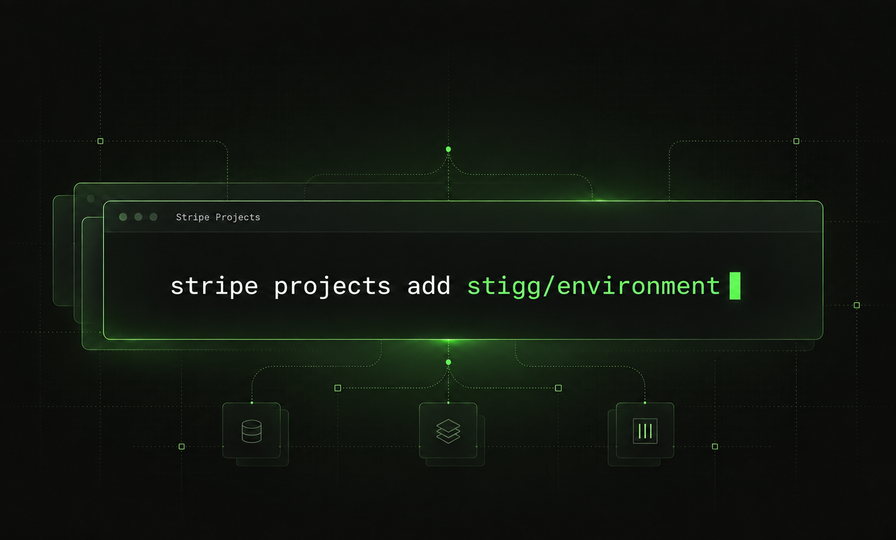
stripe projects add stigg/environmentWhen you run this command, Stripe Projects creates a Stigg account, provisions a dedicated environment, and writes Stigg’s API keys directly into your local .env file.
An agent can execute this flow, read the generated environment variables, and configure your entire monetization model autonomously using the Stigg API or CLI without handing control back to a human developer.
To learn more check out our Stripe Projects documentation.
.png)