Product Updates
Stigg Now Supports 24 Data Export Destinations
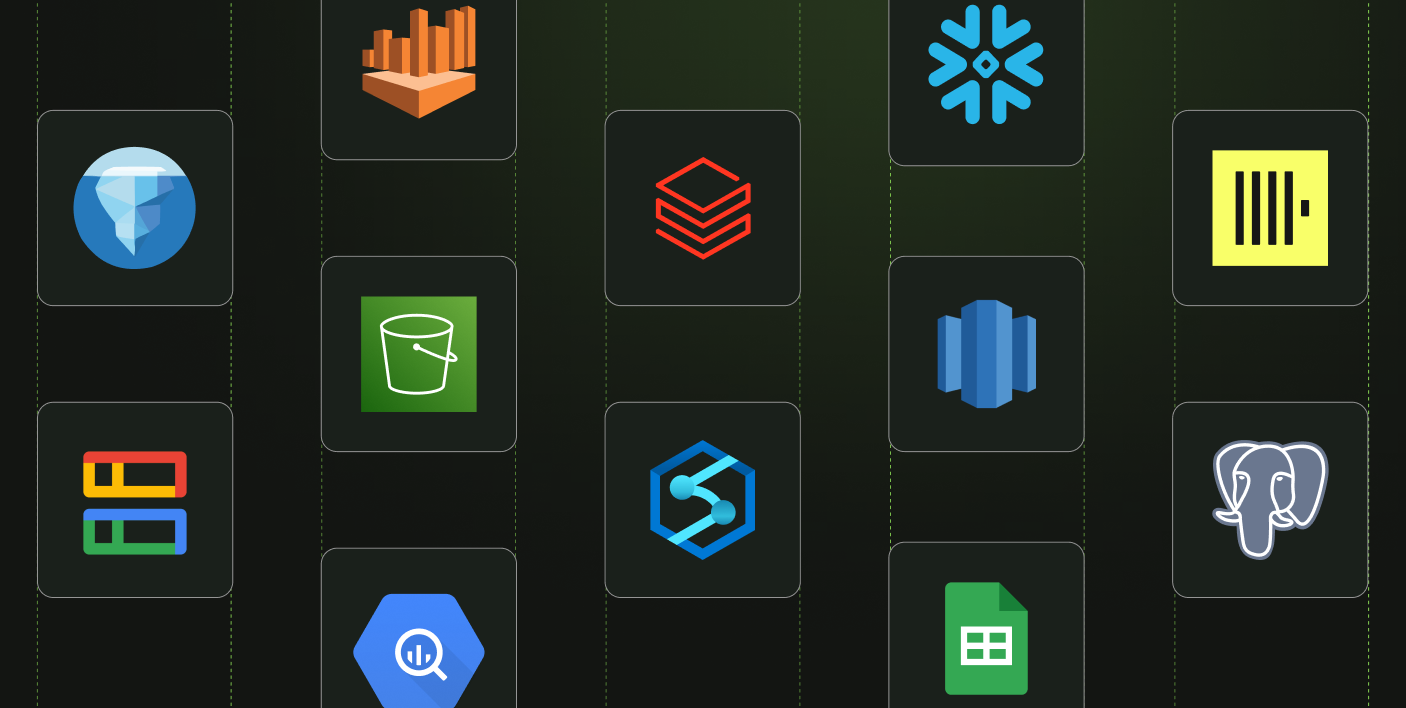
Stigg’s data can now be exported to 24 destinations, making it easier to connect your usage & monetization data with the rest of your stack.

Stigg now ships native MCP support and a CLI, so developers can operate Stigg directly from their terminal


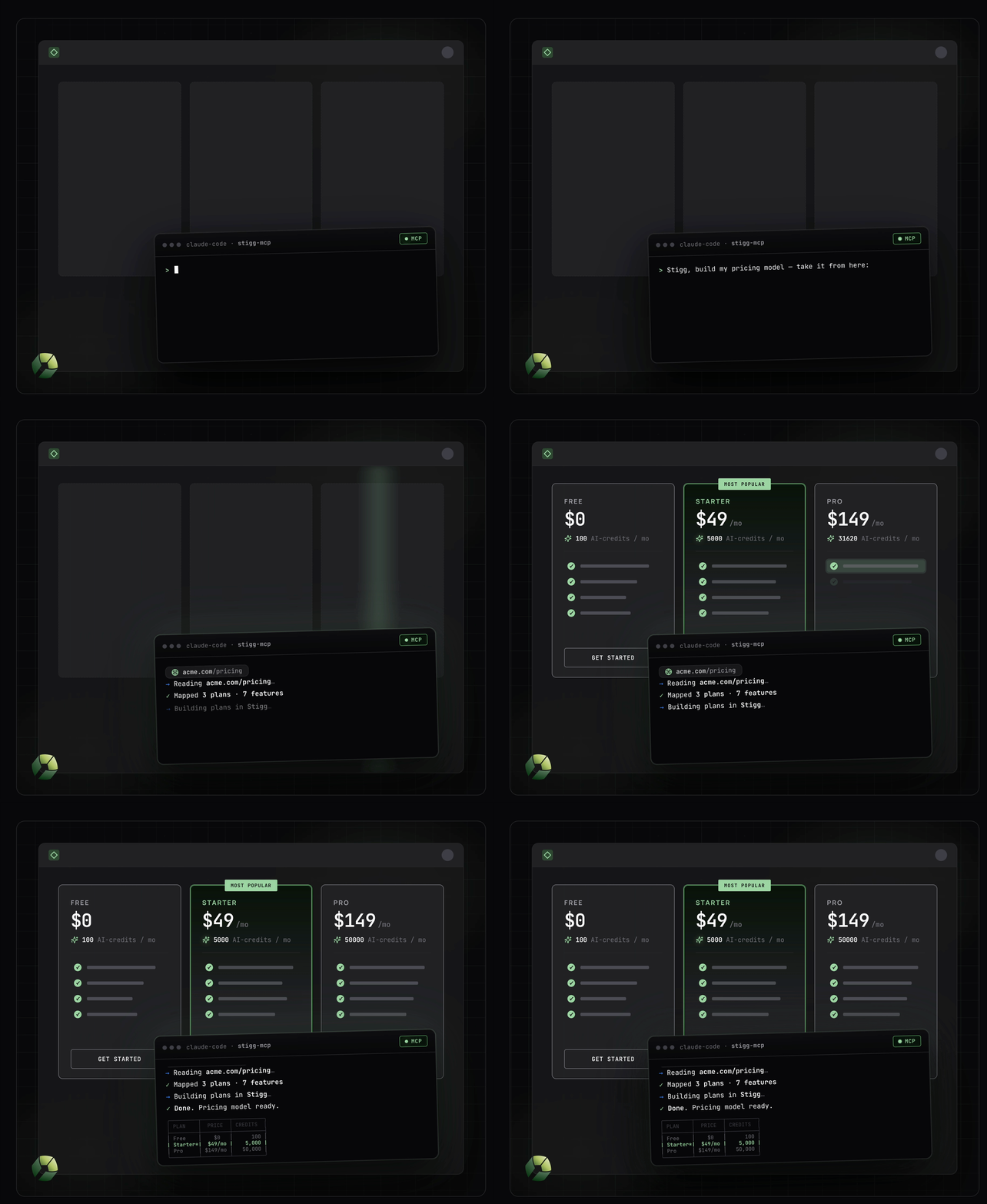
A developer on your team was tasked with adding credits to the Pro plan. He opens Claude, types "add 10,000 API tokens per month to the Pro plan, and gate the email enrichment feature behind it," and hits enter. Seconds later, the change is live. No manual UI editing, no context switch.
This isn't a demo. It's what working with Stigg looks like now that we ship native MCP support.
The monetization infrastructure that controls what every customer, user, and agent is allowed to do can now be operated by the same AI tools your team already builds with.
Two interfaces shipped this month that make that scene possible.
Stigg now runs a native MCP server, which mean you can use AI coding assistants to operate Stigg through natural language. In addition, we’re launching Stigg CLI for cases where you’d like to use direct, explicit commands rather then natural language.
Both reflect the same principle: developer tools should live inside the environments developers are already in. And those environments have shifted. Engineers now spend most of their day inside Claude or Cursor with a terminal nearby, not clicking through dashboards. We're moving fast to make sure Stigg fits that environment instead of sitting beside it.
AI clients like Claude or Cursor can now operate Stigg directly through the new MCP server. Developers can manage their entire Stigg environment using natural language, including: modeling their pricing and making changes to it, introducing credits, managing customers, subscriptions and their entitlements. The full list of supported clients is here.
A few ways you can use it in action:
Some operations are too sensitive to leave to AI. Data migrations, bulk imports, deployment rollouts. These need precise control, with no room for mistakes or surprises. The CLI gives you that: an engine that executes exactly what you wrote, with a clear result. Same operations as the MCP server, but every command explicit and deterministic. Use it for data migrations, CI/CD pipelines, scheduled jobs, scripts your team can review, and one-off admin tasks where the exact API call matters.
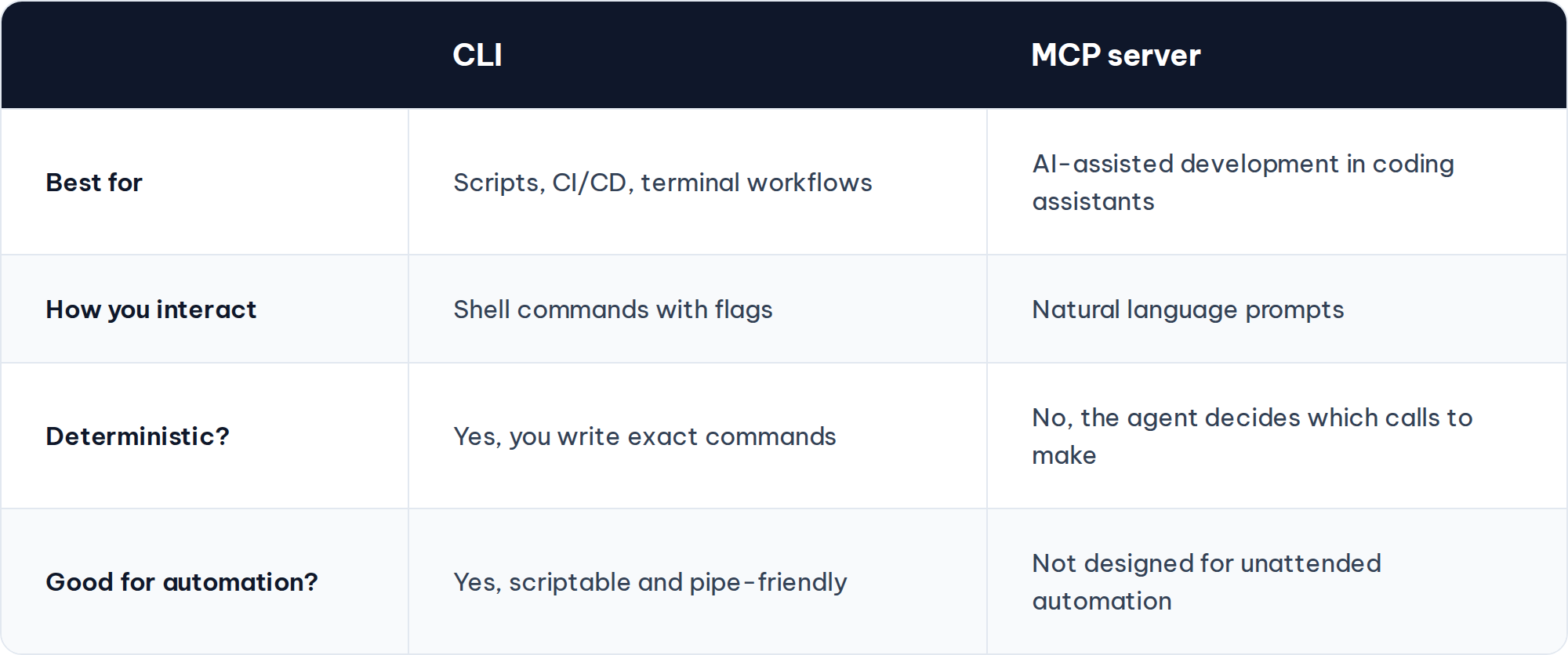
The MCP and the CLI both represent new ways to consume Stigg API. They enable the same set of actions, but optimized for different ways of working. Most teams will use both.
The MCP server is helpful when using an AI coding assistant and want to describe what you need rather than spell out the call. The agent figures out which operations to chain together.
The CLI is for when you need direct, predictable control. Write the exact command, get a known result.
If you want it at a glance:
These releases reflect a bigger direction shift: that the developer-facing surface of Stigg matters as much as the runtime underneath it. We want Stigg to live inside the environments engineers and AI tools are already working in, not pull anyone out of them.
The CLI and the MCP server are available in public beta today. Ready to try it? Create a Stigg account and connect your MCP
.png)