%20(1).png)
Guides
Best Metered Billing Software: 9 Tools Ranked (2026)
I tested 9 metered billing software platforms for metering accuracy, pricing, and real-time enforcement, with honest pros, cons, and prices for 2026.

Compare flexible billing software for AI products using tokens, usage, credits, or outcomes, with seven tools mapped to pricing and billing needs for 2026.


Flexible billing software exists because billing infrastructure has a subscription problem. If your product charges by token, inference call, or outcome, that history shows up the first time a pricing change turns into an engineering sprint. The same goes for a flexible enterprise billing system: negotiated contracts, commitments, and custom rates are where rigid platforms show their limits first.
Here is what actually separates seven platforms worth evaluating:
We cover what each handles well, where the flexibility story has limits, and which teams each one genuinely fits.
| Tool | Strengths | Best for | Starting price | Limitation |
|---|---|---|---|---|
| Stripe Billing | Payments-native stack, rate cards, credit models, transparent pricing | Teams already on Stripe wanting billing and payments consolidated | 0.7% of billing volume | RevRec and AR aging are add-on costs; complex enterprise contracts route through Metronome |
| Chargebee | CPQ and billing on one data model, ASC 606/IFRS 15, PLG and enterprise in one platform | Companies running self-serve and sales-led motions simultaneously | Free up to $250K billing | Heavy initial configuration; benefits from dedicated RevOps ownership |
| Orb | SQL-defined metrics with retroactive recalculation, auditable event store, Simulations | API and AI infrastructure teams with developer-heavy billing ownership | Contact sales | Engineering required to operate day-to-day; Adyen acquisition creates roadmap uncertainty |
| Metronome | Pricing changes without touching the data pipeline, centralized rate card model | Consumption-heavy AI products that iterate pricing frequently | Free tier available | Deepest integrations favor the Stripe ecosystem |
| Lago | Open-source core, self-hosted or cloud, full billing logic transparency | Teams with data residency requirements or vendor lock-in concerns | Free (self-hosted) | Portal, real-time balance, and credit notes are premium or require custom build |
| Paddle | Merchant of record tax compliance across 200+ markets, single billing and payments integration | Teams expanding globally without building tax infrastructure | 5% + $0.50 per transaction | Per-transaction fee adds up at volume; less suited to complex usage-based models |
| Maxio | Revenue metrics and billing from the same data source, real-time and batch import options | Finance-led B2B teams where reporting matters as much as invoicing | $599/month | Multi-entity support and metering gated to Scale tier |
Disclaimer: Prices are subject to change. Always verify current pricing on each vendor's official website before making a purchasing decision.
I evaluated each platform against the requirements AI product teams actually encounter when pricing models get more complex than a flat monthly subscription.
Where free trials or demos were available, I tested them directly. Pricing was sourced from official pages only.
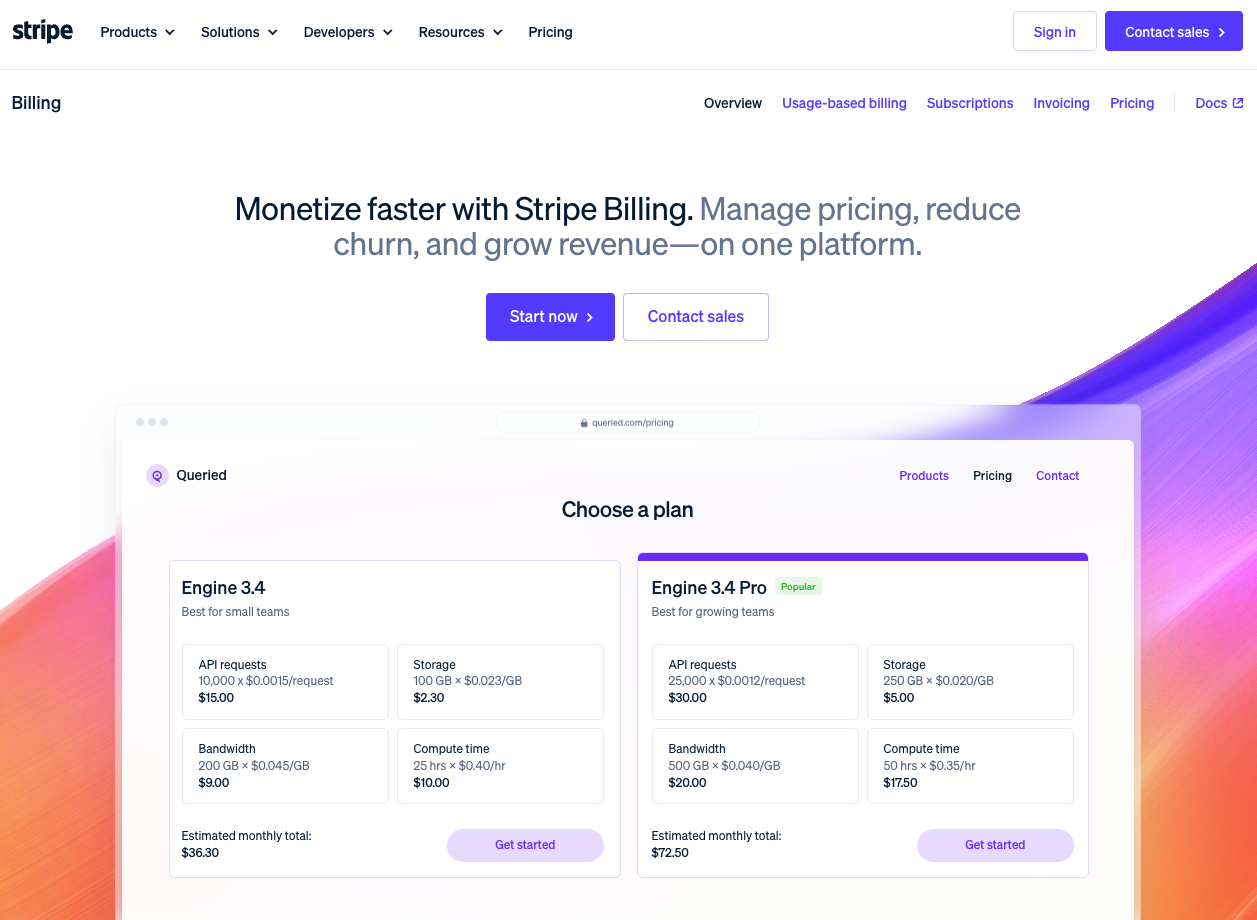
What it does: Stripe Billing brings subscriptions, usage-based billing, invoicing, tax, and revenue recognition into the same payments stack.
Best for: AI companies that already use Stripe, or want billing and payments to live in one place instead of adding another vendor. It is strongest when the team wants less infrastructure to maintain.
Stripe Billing's core argument is that payments and billing should share a data model rather than being coordinated across separate vendors. Metering, invoicing, tax calculation, and payment processing connect natively, which means a pricing change does not require reconciling two systems afterward.
Metering runs through Stripe's meter event streams, which handle up to 10,000 events per second (higher by request), with rate cards, credit models, and flexible aggregation for the kind of spiky, unpredictable consumption AI products generate.
The constraint is on the enterprise contract side. Committed spend ramps, per-customer overrides, and complex deal structures route through Metronome rather than Stripe Billing natively.
| Pros | Cons |
|---|---|
| Payments, billing, tax, and metering consolidated on one platform | Revenue recognition, multiprocessor support, and AR aging are add-on costs |
| Up to 10,000 events per second via meter event streams (higher by request) for high-volume AI workloads | Teams outside the Stripe ecosystem lose most of the integration advantage |
| Transparent, publicly listed pricing | Complex enterprise contract needs route through Metronome rather than Stripe Billing natively |
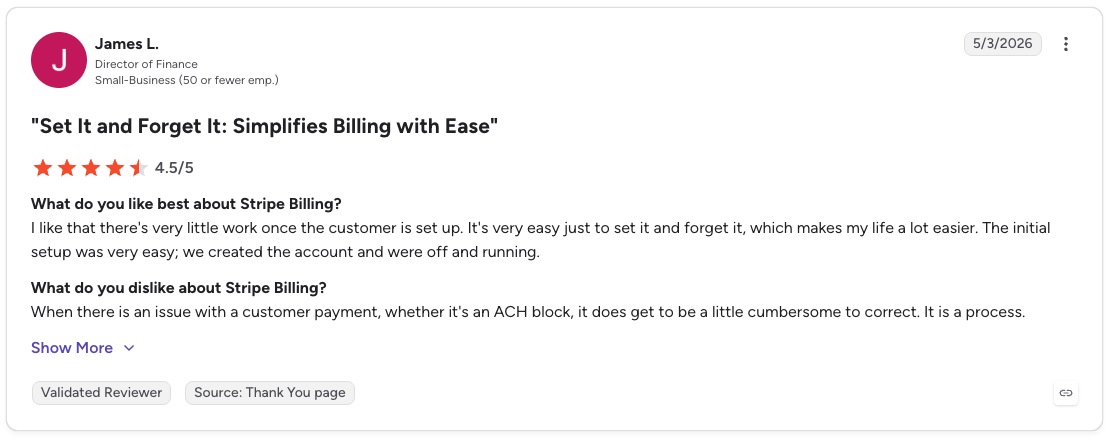
Pro: “I like that there's very little work once the customer is set up. It's very easy just to set it and forget it, which makes my life a lot easier. The initial setup was very easy; we created the account and were off and running.” [James L., G2 Review, May 3, 2026]

Con: “The pricing is the main pain point. Stripe Billing is expensive, especially for a startup like ours. The per-transaction fees and the additional percentage on top for billing features add up quickly as you scale.” [Maximiliano J., G2 Review, February 17, 2026]
Stripe Billing is the clear fit if you already use Stripe and want billing, tax, and metering in one place. It is flexible enough for most AI pricing models, and the metering capacity can handle production usage.
The tradeoff is control. For enterprise deployments, map the full stack before you compare it with purpose-built tools. Revenue recognition, contract complexity, and governance are available, but they can add cost and implementation weight.
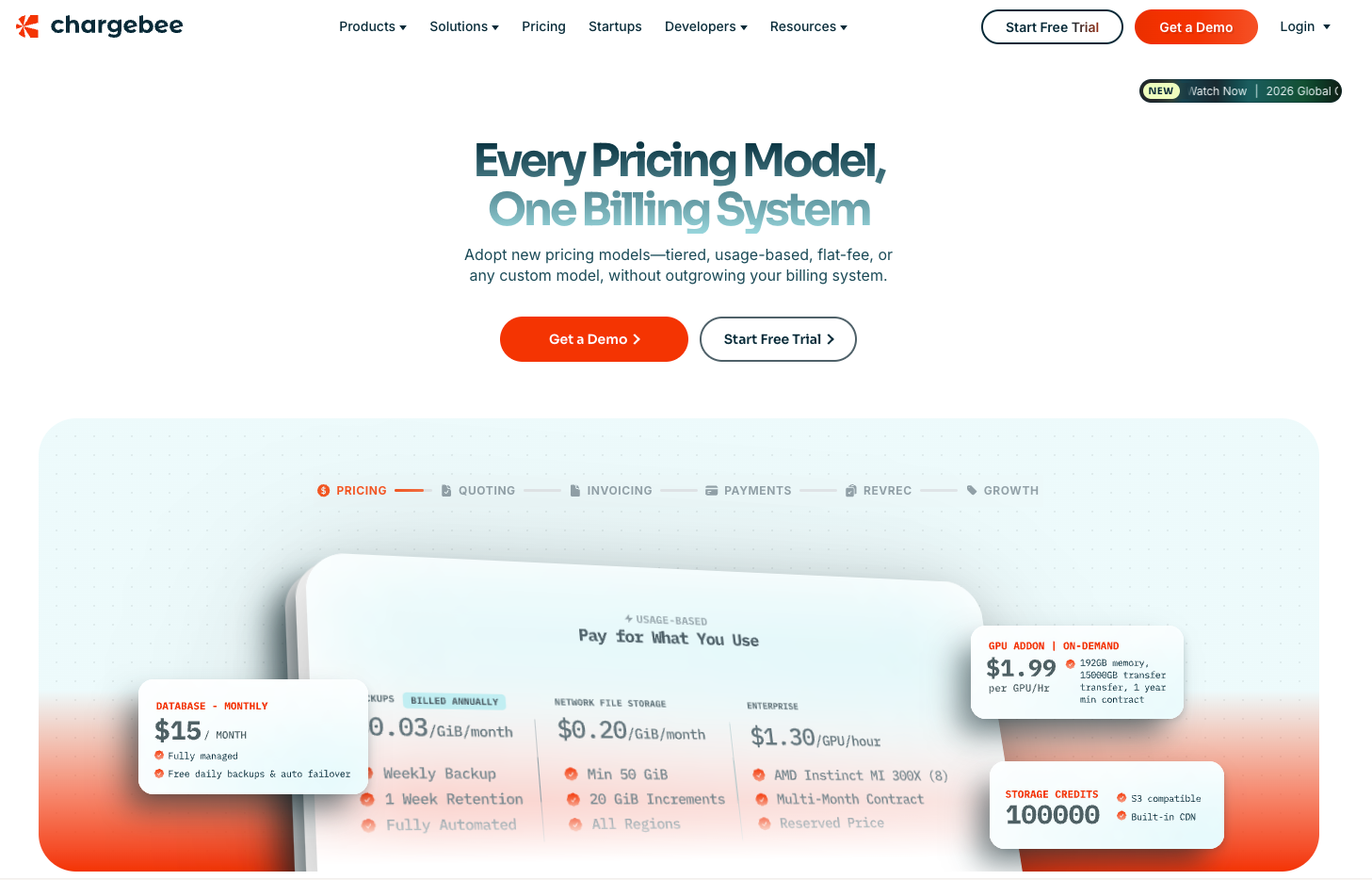
What it does: Chargebee brings usage metering, CPQ, subscriptions, invoicing, and revenue recognition into one billing platform.
Best for: AI companies selling through both self-serve and enterprise sales. It works best when pricing, quotes, invoices, and revenue schedules need to stay aligned as the business grows.
Chargebee's flexibility advantage is that CPQ sits directly on top of the billing engine. What sales quotes is what finance invoices, with no re-keying of contract terms at deal close.
For AI products selling consumption or outcome-based models into enterprise, pricing survives the quote-to-invoice handoff intact, and revenue recognition runs against the same data with no reconciliation step required.
| Pros | Cons |
|---|---|
| CPQ and billing share the same data model, eliminating post-sale pricing drift | Heavier initial configuration compared to more focused billing tools |
| Revenue recognition, CPQ, and billing operate from one system | Performance and Enterprise tier pricing requires a sales conversation |
| Handles PLG and sales-led motions simultaneously | Teams without RevOps or finance ownership may underuse the revenue recognition module |
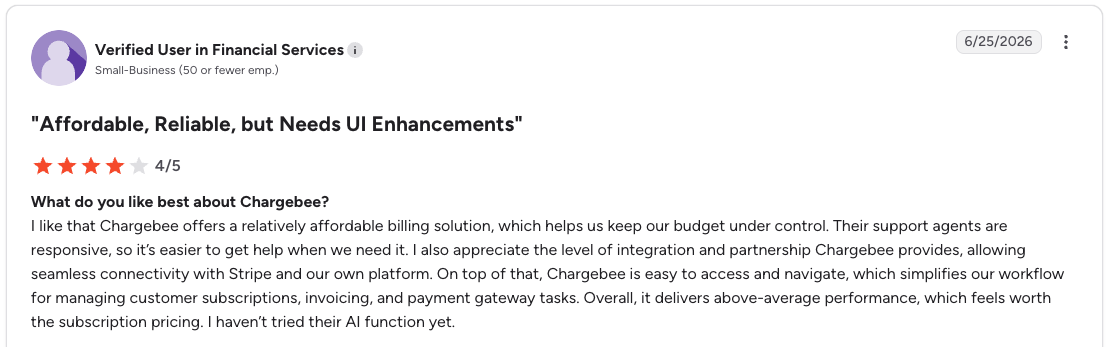
Pro: “I like that Chargebee offers a relatively affordable billing solution, which helps us keep our budget under control. Their support agents are responsive, so it’s easier to get help when we need it.” [Verified User in Financial Services, G2 Review, June 25, 2026]
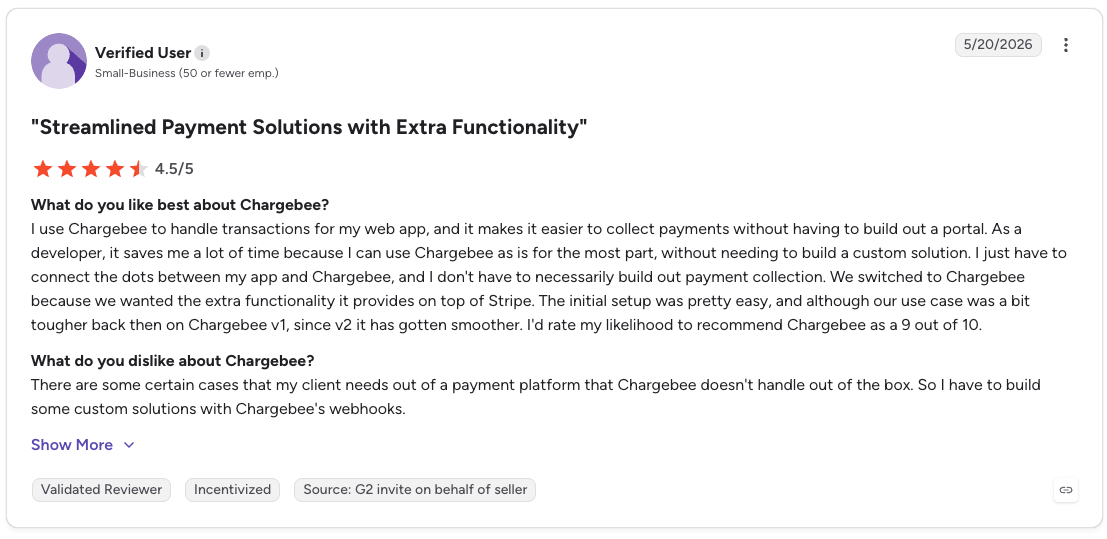
Con: “There are some certain cases that my client needs out of a payment platform that Chargebee doesn't handle out of the box. So I have to build some custom solutions with Chargebee's webhooks.” [Verified User, G2 Review, May 20, 2026]
Chargebee is a strong fit once billing pulls in multiple teams, when product needs usage tracking, sales needs quotes, and finance needs invoices and revenue recognition.
That is where it works well for AI companies with both enterprise and self-serve motions. Consumption pricing, contract terms, invoices, and revenue schedules can stay closer together.
For teams that only need usage tracking and invoices today, Chargebee may be too much platform too early.
What it does: Orb turns high-volume usage events into billable revenue, with SQL-defined metrics and an auditable event store behind each billing decision.
Best for: API and AI infrastructure companies with technical teams that care deeply about usage accuracy. It is especially useful when contracts change, and billing needs to be recalculated without losing the original event history.
Orb's flexibility comes from how billable metrics are defined. Orb runs as SQL against raw event data, so contract changes, retroactive amendments, and new pricing logic all apply to existing event history without re-ingestion.
For AI products still figuring out how they charge, that's useful because pricing experiments don't create billing debt. The Simulations feature takes it further by letting you stress-test new models against real historical usage before customers see anything.
Orb was acquired by Adyen in June 2026 and continues running as a standalone product. Roadmap independence is a fair thing to ask about in the sales conversation.
| Pros | Cons |
|---|---|
| Engineering and finance teams operate from a single source of truth | Engineering involvement required to operate the platform day-to-day |
| Retroactive recalculation when contracts change | No public pricing; evaluation requires going through sales |
| Handles large-scale event ingestion without added engineering labor | Adyen acquisition means roadmap independence is no longer guaranteed |

Pro: “Orb also provided support for dynamic custom SQL rules, which address our critical need for dynamic vCPU-based allowances in metering and pricing, a capability that Metronome lacked, and we didn't get a clear picture of the roadmap commitments for it.” [Verified User in Computer Software, G2 Review, March 15, 2024]
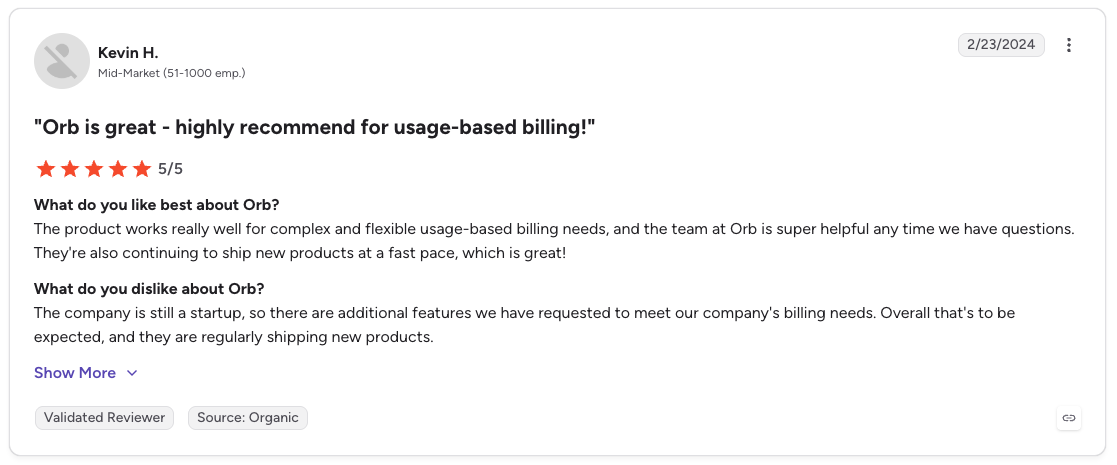
Con: “The company is still a startup, so there are additional features we have requested to meet our company's billing needs. Overall, that's to be expected, and they are regularly shipping new products.” [Kevin H., G2 Review, February 23, 2024]
Orb feels built for teams where billing needs to be precise. If you sell API or AI infrastructure, the event retention model is the part to pay attention to. It gives you more room to correct, replay, and audit usage without turning billing into a guessing game.
Simulations is also a smart fit for AI pricing, where packaging changes often happen before the model is fully settled. The only real question is Adyen. Orb looks strong today, but I would ask directly how the acquisition changes the roadmap.
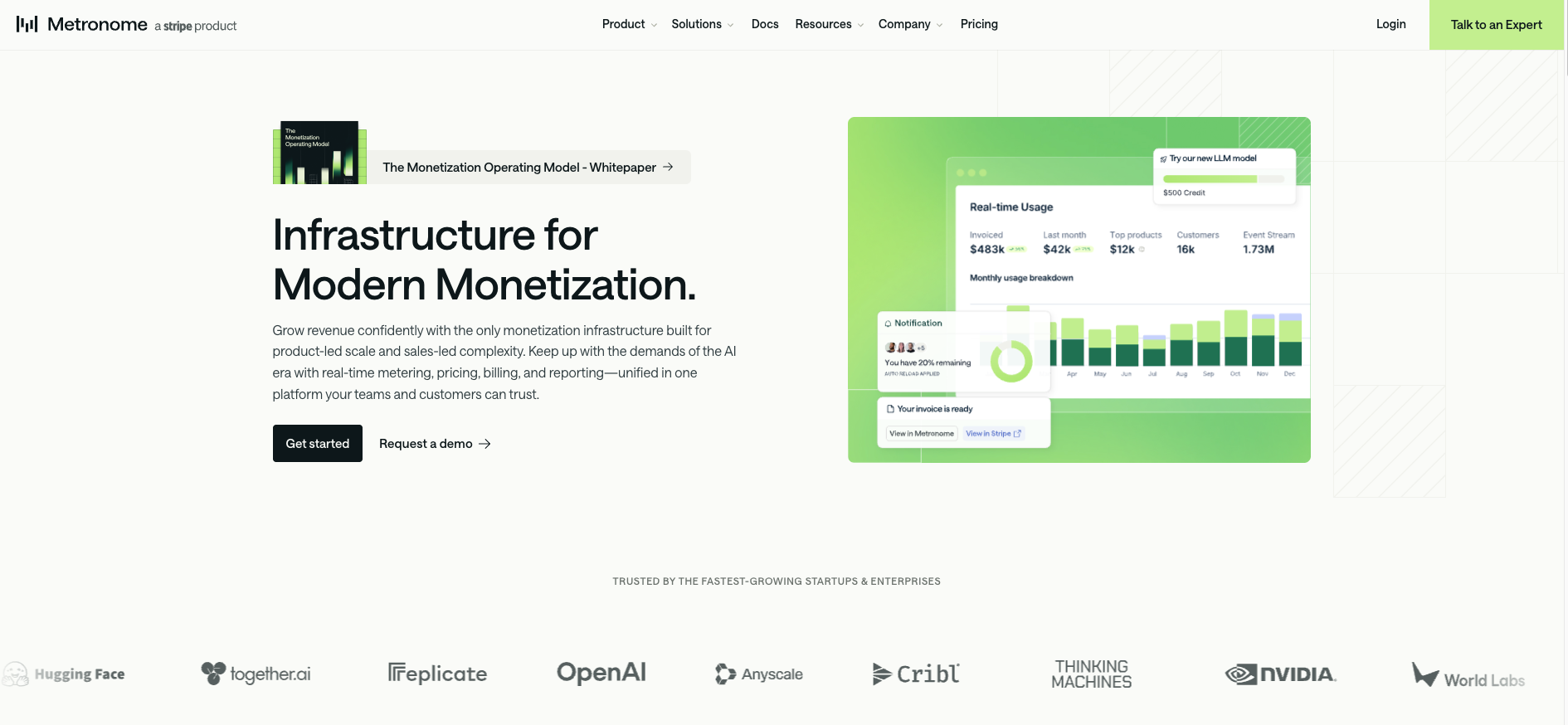
What it does: Metronome turns product usage events into configurable invoices across self-serve, enterprise, and marketplace motions.
Best for: AI companies with high usage volume and fast-changing pricing. It is especially useful when business teams need to adjust packaging or rates without pulling engineering into every update.
Metronome is built around one core idea, which is that pricing changes should never require touching the data pipeline.
SQL-based billable metrics run directly on raw events, so custom enterprise contracts, per-customer overrides, retroactive amendments, and scheduled price changes all flow through configuration.
For AI products at enterprise scale, that means finance teams can actually manage complex contracts independently, which is rarer than it sounds when token-based and consumption models are involved.
Metronome was acquired by Stripe in 2026 and runs as a standalone product. If you are outside the Stripe ecosystem, confirming integration fit early in the evaluation is worth the time.
| Pros | Cons |
|---|---|
| Finance and business teams update pricing without engineering involvement | Deepest native integrations favor teams already in the Stripe ecosystem |
| Handles self-serve, enterprise, marketplace, and reseller motions from one platform | Custom pricing tier requires a sales conversation; no public enterprise pricing |
| Native data warehouse exports for margin analysis and revenue forecasting | Starter plan feature set may limit complex enterprise contract structures |

Pro: "We recently switched over to Metronome and love it, besides a couple of tweaks it's been helpful." [Reddit user Big-Principle2939 (July 17, 2025)]

Con: "Metronome is very expensive and is the only rating and metering solution you listed that works for enterprise-level usage volumes." [Reddit user javabuddha1 (July 9, 2024)]
Metronome is strongest when pricing changes faster than engineering can keep up. The rate card setup gives business and finance teams more room to adjust packaging, rates, and contracts without turning every change into a ticket.
That is a big deal for AI companies still figuring out usage-based pricing. If you already use Stripe, the native integration helps. If not, check how cleanly Metronome fits your current payments stack before you commit.
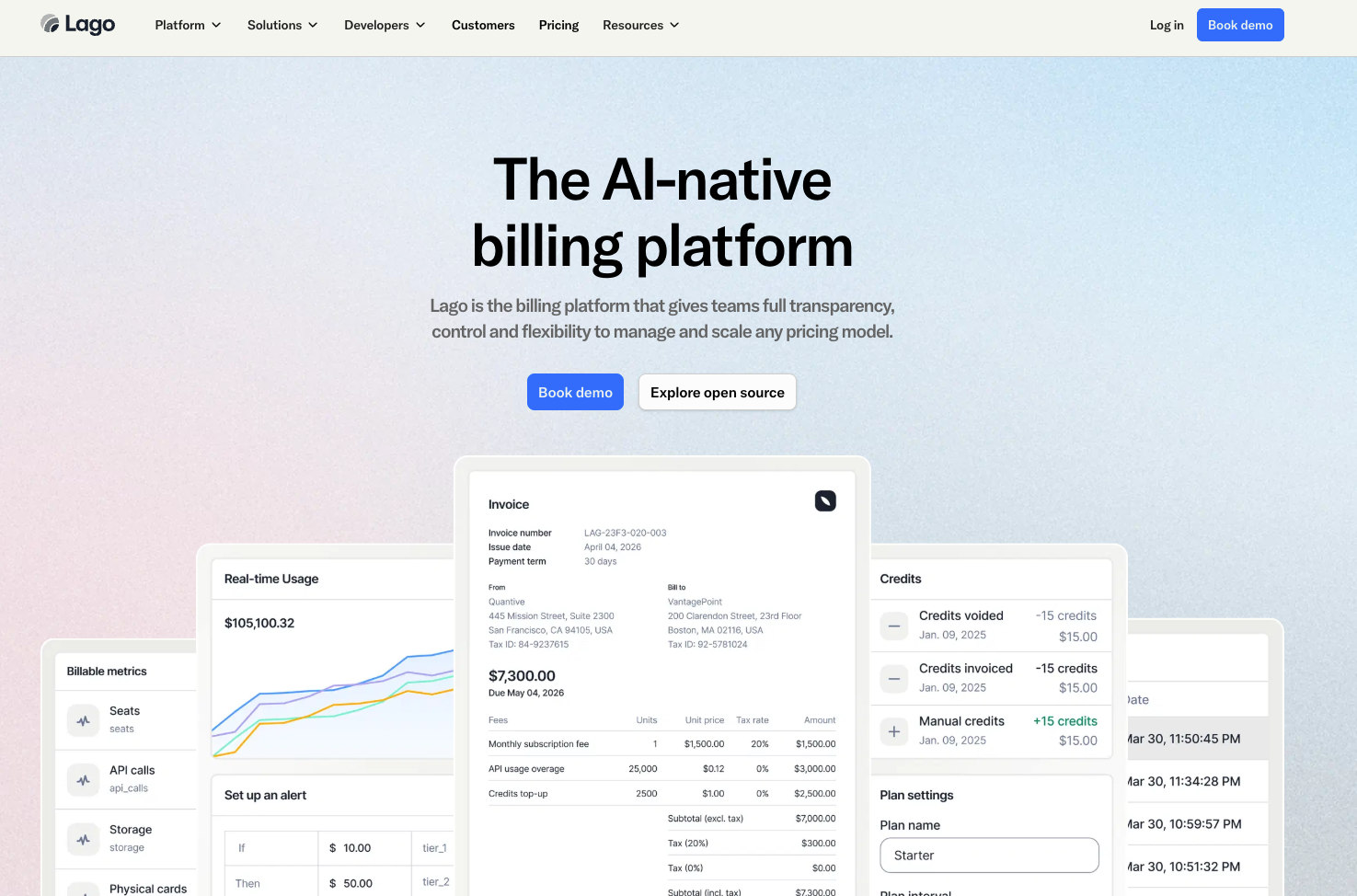
What it does: Lago is an open-source billing engine for subscriptions, usage-based pricing, prepaid credits, and invoicing. You can use the managed cloud product or self-host it in your own infrastructure.
Best for: Engineering teams that want more control over billing, especially when data residency matters or the pricing model is still changing. It is also a good fit for teams that are not ready to lock into a proprietary billing vendor.
Lago's pitch is that billing infrastructure should be transparent and something you actually control.
The open-source core means the billing logic is readable, forkable, and auditable without going through a vendor, which for AI teams still validating their pricing model is a genuinely useful way to avoid locking into a commercial platform too early.
Just be clear on what the free tier actually covers before you get too far in. It handles the billing engine itself, but a customer-facing portal, real-time balance visibility, and credit notes are all available on the cloud premium tier or require custom development on the self-hosted version.
| Pros | Cons |
|---|---|
| Open-source core with no proprietary billing logic | Real-time balance visibility, customer portal, and credit notes are premium or require custom build |
| Self-hosted deployment for full data control | Smaller native integration ecosystem compared to commercial alternatives |
| No vendor lock-in on the core billing engine | Engineering investment required to operate and maintain the self-hosted version at scale |
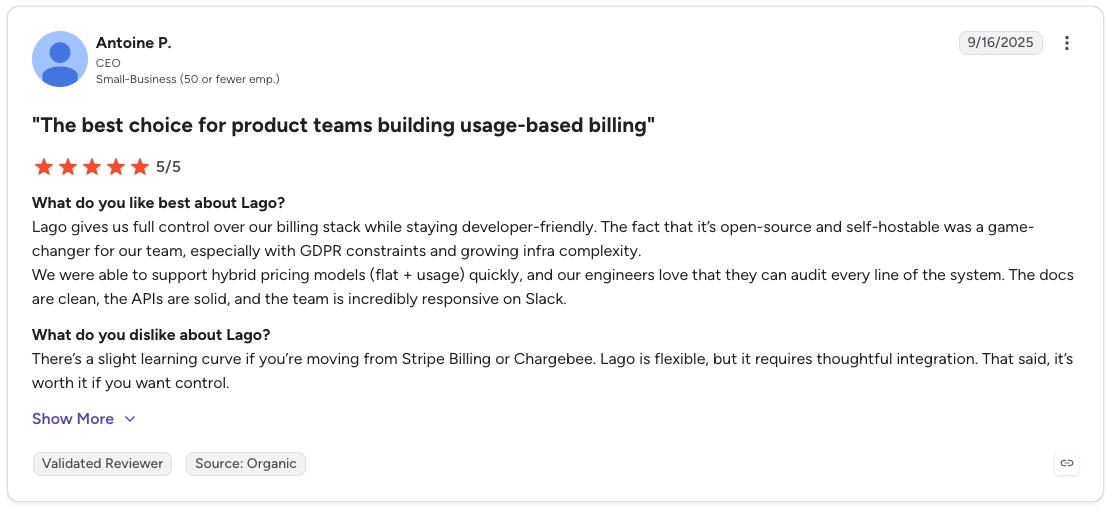
Pro: “Lago gives us full control over our billing stack while staying developer-friendly. The fact that it’s open-source and self-hostable was a game-changer for our team, especially with GDPR constraints and growing infra complexity.”
Con: “There’s a slight learning curve if you’re moving from Stripe Billing or Chargebee. Lago is flexible, but it requires thoughtful integration. That said, it’s worth it if you want control.” [Antoine P., G2 Review, September 16, 2025]
Lago Premium uses custom pricing and is available through Cloud Deployment or Self-Hosted Deployment. Contact sales for a quote based on your deployment and feature requirements.
Lago works well when billing needs to stay close to engineering. The open-source core gives teams control, while Premium adds revenue recognition, tax integrations, data exports, RBAC, SSO, audit logs, and deployment support.
For AI teams, the appeal is flexibility. You can test pricing without locking into a closed vendor too soon. Just check where the free product stops before assuming Lago is the low-cost option.
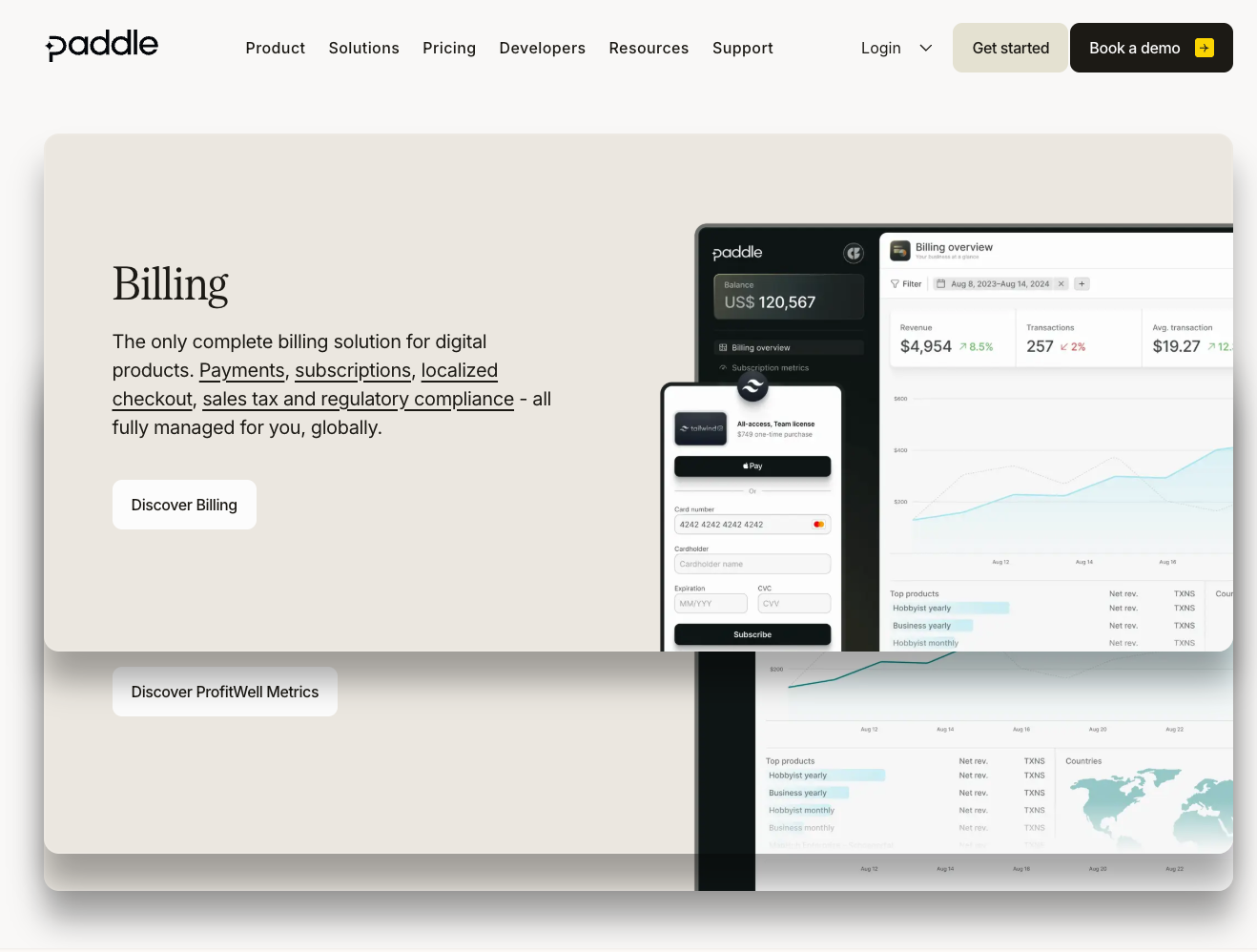
What it does: Merchant of record platform handling billing, payments, tax compliance, and subscription management for companies selling across international markets.
Best for: Teams that want pricing model flexibility across global markets without building tax infrastructure for each jurisdiction they sell into.
Paddle is a bit different from everything else on this list. The pricing model range is solid enough, covering subscriptions, one-time purchases, usage-based billing, and custom pricing, but the real reason teams choose it is the merchant of record model.
Paddle owns the tax compliance obligation rather than you, which means VAT, GST, and sales tax across 200+ markets are handled automatically without the need for a tax registration in each territory you sell into.
For teams expanding internationally, that removes a genuinely painful operational burden. The tradeoff is a per-transaction fee on every sale, so if you're running heavy usage-based or credit-based pricing at volume, it is worth modeling that fee structure against a fixed platform cost before committing.
| Pros | Cons |
|---|---|
| Built-in retention tooling: dunning, pause flows, cancellation surveys | Per-transaction fee model adds up at high billing volumes or high ACV |
| Single integration covers billing, payments, tax, and checkout | Less suited to products with complex usage-based or credit-based pricing models |
| Fast international expansion without tax registration overhead | Merchant of record structure means Paddle appears on customer invoices, which some enterprise buyers flag |
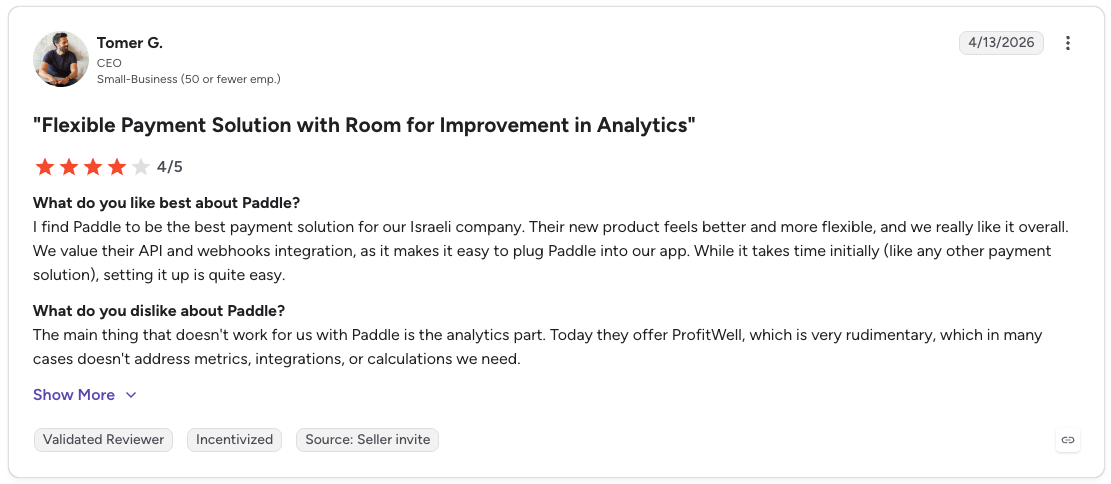
Pro: “I find Paddle to be the best payment solution for our Israeli company. Their new product feels better and more flexible, and we really like it overall. We value their API and webhooks integration, as it makes it easy to plug Paddle into our app.” [Tomer G., G2 Review, April 13, 2026]
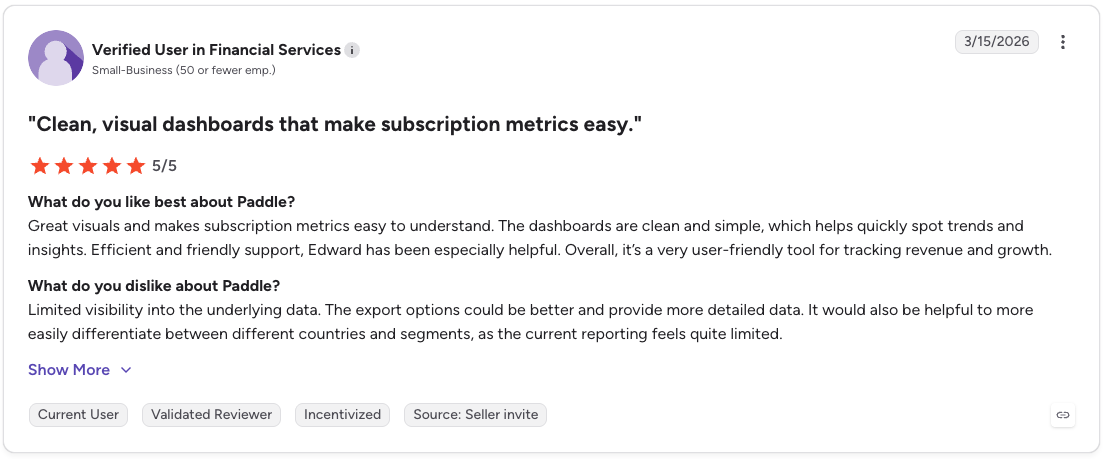
Con: “Limited visibility into the underlying data. The export options could be better and provide more detailed data. It would also be helpful to more easily differentiate between different countries and segments, as the current reporting feels quite limited.” [Verified User in Financial Services, G2 Review, March 15, 2026]
Paddle stands out for global tax compliance. Its merchant of record model can reduce the work of selling into new markets, especially for teams without a large finance or tax function.
For AI products, the decision comes down to pricing. If you rely on heavy usage metering, credits, or enterprise contracts, model the transaction fees and billing limits before you commit.

What it does: Maxio combines subscription billing, usage metering, collections, revenue metrics, and revenue recognition for B2B teams.
Best for: B2B companies that want billing and financial reporting to run from the same data. It is especially useful when finance needs cleaner revenue metrics without maintaining a separate analytics layer.
Rounding out the list, Maxio's core idea is that billing data and financial reporting should live in the same system and never need reconciling.
In practice, that means ARR, MRR, churn, and cohort analysis all pull from the same live records that generated the invoices, which saves finance teams hours of end-of-period work
Maxio handles usage-based and hybrid pricing well enough for most AI products, though multi-entity support, advanced revenue recognition, and metering are all gated to the Scale tier, so teams with serious enterprise requirements tend to hit that ceiling sooner than they expect.
| Pros | Cons |
|---|---|
| Finance-grade revenue metrics run natively on billing data | Multi-entity support and advanced revenue recognition require the Scale tier |
| Supports both real-time streaming and batch usage data imports | Less purpose-built for AI-specific pricing models compared to Orb or Metronome |
| 20+ payment gateway integrations | Metering and rating gated to Scale tier |

Pro: “I like that Maxio is an all-in-one platform. The accounts receivable (AR) function is particularly valuable because it makes it easier to find actual invoices that are outstanding or closed, helping us know how many and what type of deals we're selling. I also appreciate the written-out timeline view, which is good to see where people are at and what projects are still open.” [Shane H., G2 Review, March 9, 2026]

Con: “The lack of a quick and easy checkout cart function that didn't require full-time developer implementation was a downside. We needed something preformed and ready to use, but Maxio required an involved and technical setup process. We also wished for better integration with platforms like WordPress and our CRM system.” [James M., G2 Review, March 5, 2026]
Maxio works well when finance needs billing, reporting, and revenue metrics in the same place. It is a strong fit for B2B subscription teams that want cleaner revenue data without pulling engineering into every billing change.
For AI products, the question is metering depth. If usage volume, enterprise contracts, or pricing complexity are high, check where the Scale tier starts to feel limiting.
Skip a dedicated billing platform if you are still pre-revenue or testing basic pricing. Start with the simplest setup that can invoice correctly. Move up once you know your usage events, contract terms, and pricing model well enough to choose for the next stage.
AI products need enforcement before billing because usage can create cost before the invoice ever sees it.
Every platform on this list helps you decide how to charge, but you also need to care about what happens before usage runs. Billing records what happened, and enforcement decides whether it should happen at all.
That matters more in AI products because cost can accrue inside a single workflow. An agent can overdraft a team’s credit balance mid-session, two concurrent requests can draw from the same allocation at the same time, and a free-tier user can hit a monthly limit halfway through a workflow.
By the time billing catches up, the usage has already executed, and the cost is already yours.
Stigg is the usage runtime for AI products. It enforces entitlements, credits, usage limits, and spend governance synchronously in the request path. For engineering teams, that means:
You don't have to adopt all of Stigg to get this. Each piece (entitlements, credits, usage limits, spend governance) runs independently, so you can add just the enforcement your product needs and leave the billing stack you already have in place.
If billing is already covered but your product still needs real-time entitlements, credits, limits, or spend controls, start with the Stigg docs. We show how to add the enforcement layer without rebuilding the billing stack you already have.
Flexible billing software is a platform that supports multiple pricing models, including subscriptions, usage-based billing, credits, and hybrid pricing, without requiring a significant rebuild each time the model changes.
For AI products, it means the billing infrastructure can accommodate how the product charges today and adapt as that evolves.
The main difference between flexible billing software and basic invoicing tools is what they can actually bill for.
Basic invoicing tools handle fixed charges. Flexible billing software aggregates usage events, applies tiered or volume pricing, manages credit balances, and generates invoices that reflect complex contract terms.
Flexible billing software handles AI usage pricing by ingesting product events in real time, aggregating them against pricing rules, and generating invoices that reflect actual consumption.
Quality varies significantly across platforms. Orb and Metronome were built for usage-based billing from the ground up, while others added it on top of a subscription core, which shows at high volumes or when contract terms change mid-cycle.
No, flexible billing software records what was consumed and invoices accordingly. Real-time enforcement is handled by an entitlement layer that sits above billing and resolves access decisions before actions execute.
For AI products where a single session can generate high cost, that distinction is worth understanding before choosing infrastructure.
The most important factors are whether usage-based billing is native or an add-on, how much engineering is required to change pricing models after initial setup, and how billing data flows into finance and reporting systems.
Teams running AI products should also check how the platform handles credits, since most billing tools treat them as a workaround rather than a first-class primitive.
%20(1).png)
%20(1).png)